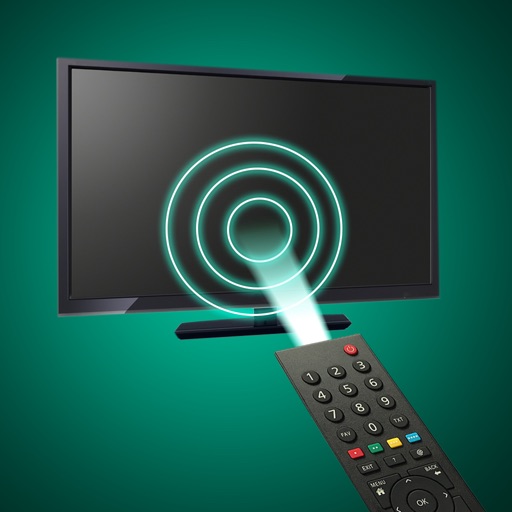
Control your smart TV remotely using an iPhone or iPad on the same Wi-Fi network. Navigate menus, adjust volume, and access all TV functions. Use a realistic interface to mimic the physical buttons and features.
The app allows users to control a presentation computer remotely using an iOS device or Apple Watch. Users can advance slides from anywhere with an internet connection after installing the controller application.
Stream media from your Camera Roll to TV. Connect devices to the same Wi-Fi network and pair them for setup. Use the control to manage playback. Access apps and channels on-screen. Input text with the keyboard for searches.
Compatible TVs via Wi-Fi network connection. Tap, swipe, or speak to operate TV functions. Instantly pair with all compatible TVs. View and adjust settings like volume, input sources, and power.
Lets users manage streaming devices via phone. Navigate with swipe-based controls. Connect devices to same Wi-Fi network. Simplify text input with built-in keyboard. Search and input text efficiently. playback and device settings remotely.
Control LED lights remotely with dynamic lighting modes and mood-based settings. Adjust brightness, color, and effects. Create custom scenes and schedules. Sync with smart home systems for integrated control.
Control compatible Smart TVs and streaming services from a smartphone. Adjust volume, change channels, and navigate menus. Access favorite apps and manage playback. Enable voice commands for quick interactions.
Devices on the same Wi-Fi network. Navigate menus and content using a large touchpad. Launch channels directly from the . Search for videos and stream content.
Turns your iPhone into a wireless for your Mac. Use full gesture support for scrolling, zooming, and swiping. Connect via Bluetooth or USB cable. Type on your Mac using the built-in keyboard.
Control your computer with a wireless and touchpad-style from your iPhone. Type on Mac or Windows PCs, navigate with cursor movements, and use a numeric keypad for precise input. Adjust settings and manage devices remotely.
Stage lighting, LED pixelmapping, and media systems remotely. Adjust colors using a rainbow picker, focus with pan and tilt controls, and test rigs via the Execute Window. Edit palettes, groups, and cues for consoles and PC Wing solutions.