Apps Like Cut paste for create stickers for iPhone and iPad
Edit photos, collages, swap faces
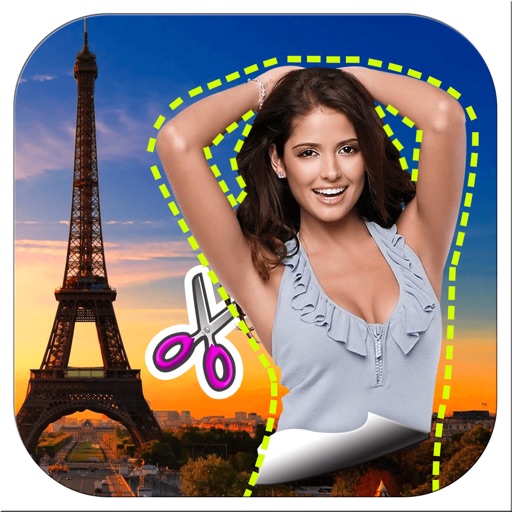
Photo montages, collages, and custom . Edit images by erasing, changing, or adding backgrounds. Cut people from photos and place them on new images. Add personal photos and decorate with fun .
by Isabel Zaballos★ 4.538 ratingsEntertainmentFreeData updated 2026-09-11
Create collages and edit photos with cropping, filters, and text. Add stickers and remove backgrounds. Edit videos, create slideshows, and design invitations. Share directly to Instagram with hashtag management.
Remove backgrounds from images to create transparent or customized backgrounds. Edit photos to eliminate imions. Replace or erase backgrounds for product images. Export edited images in various formats.
Edit photos by selecting, cutting, copying, and pasting elements like faces or objects. Automatically remove backgrounds and add text overlays. Apply effects, save edits, and share photos directly.
Backgrounds and erase unwanted using AI. Enhance photo quality and transform images with advanced editing tools. Edit multiple layers and apply filters. Share edited photos directly from the .
Create collages using hundreds of templates, layouts, and design options. Add effects, text, and stickers to photos. Share finished projects directly to social media accounts. Edit images with cropping, filters, and adjustments.
Create photo using 200+ built-in templates. Add watermarks and text to photos. Resize images for Instagram. Customize with 100+ stickers. Save in high resolution. Apply custom frames. Adjust photo textures.
Create collages by combining up to 16 photos. Choose from 250+ templates. Import and resize photos. Customize with backgrounds, frames, stickers, and text. Adjust angles and select from various fonts and colors.
Edit photos with face-lifting, slimming, and skin retouching tools. Apply effects to preview future appearances. Enhance complexion and adjust facial features using AI technology. Add special effects for creative editing.
Create collages in custom sizes. Choose from 300 layouts. Place images manually or automatically. Export for video, social media, or printing. Set dimensions for specific paper sizes. Share or save collages directly.
Create social media posts, flyers, collages, logos, and wallpapers with drag-and-drop tools. Use pre-designed templates for Instagram, Facebook, and phone wallpapers. Add text, images, and graphics.
Merge multiple photos into a single artwork by selecting and combining image sections. Remove or re-add parts using finger painting techniques. Adjust brush settings for precision.
Create collages by combining photos, adding stickers, and applying effects. Choose from multiple layouts and templates. Edit images with cropping and filters. Share finished collages directly to social media.
Remove backgrounds from images by drawing a closed curve. Automatically erase similar color areas for transparent results. Adjust brush size for precise edits. Pan, zoom, and rotate images.
Create personalized by adding your own images. Choose from a variety of to design collages. Decorate and customize photos with available templates. Share finished collages with friends and family.