Edit videos with trimming, splitting, and cutting tools. Add transitions, text, and stickers. Apply filters and effects. Export in high quality. Share directly to social media platforms.
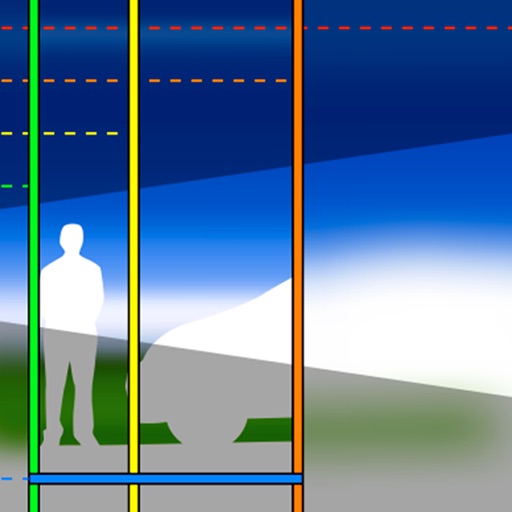
Displays depth of field in a format based on selected camera and lens. Shows achievable focus ranges without unnecessary details. Allows users to compare depth of field values for different lens models.
Capture photos and videos with a Glitter effect for enhanced visual appeal. Edit media from the gallery. Create kirakiragraphs from still images. Swipe left or right to navigate.
Apply effects to photos or videos. Choose from options like soft focus, pixelate, motion , and prism. Adjust intensity and apply effects with touch controls. Export modified content directly.
A with high image quality. Zoom in on small details or distant objects. Auto focus and shake reduction for stability. Save images to the album. Use flash for better visibility in low light.
Apply blur to portraits for a blurred effect. Adjust blur intensity and tweak brightness, temperature, tint, and saturation. Use live filters during editing. Export edited photos directly.
Capture and edit high-resolution photos with manual exposure controls and RAW support. Adjust white balance, focus, and color grading. Import and organize images in folders. Export photos in various formats and share via social media or email.
AI automatically detects and removes , people, and backgrounds from photos. Users can edit photos with skin whitening, acne removal, body reshaping, object erasing, background changes, cropping, text addition, and filters.
The app graphically illustrates depth of field and field of view for SLR cameras and lenses. Users can explore aperture, focal length, and focal distance in real time to understand how depth of field works.
Edit photos with auto tuning, background change, and blur features. Retouch faces with skin and feature enhancements. Adjust colors, brightness, and contrast. Add text and stickers. Export in various formats and share directly.
The app offers features, versatility, and customisability for working professionals. It provides direct input for depth of field limits and allows users to lock inputs while varying others.
Record video and photos with manual controls for exposure, focus, and white balance. Use advanced editing tools with 200+ professional filters. Adjust settings for low-light performance. Share directly via iMessage or social media.
Measure distances to objects using the lens. Display distance on the image with a 3D grid overlay. Aim at objects to determine their height or depth. Use for measuring boats, buildings, or golf aids.
Record videos with adjustable resolution, frame rate, and bitrate. Select from multiple aspect ratios. Pause and resume recording. Use time-lapse mode. Export videos in various formats.