Place AR artworks, adjust lighting, capture creations
View and interact with augmented reality artworks from renowned artists. Adjust shadow angle and light intensity to fit surroundings. Use night mode with a torch to illuminate the artwork. Capture photos or videos and share with others.
Manage presets by editing, organizing, and restoring them to the cloud. Audition and download tones from a community library. Control amplifier settings wirelessly for real-time sound adjustments. Backup presets to the cloud and sync across devices.
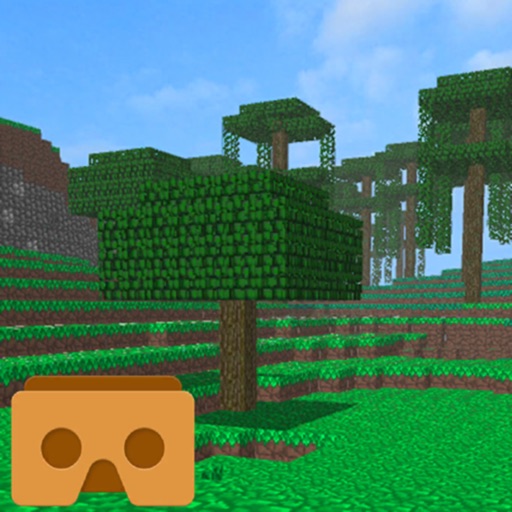
View 3D models and 360-degree content in VR. Use SteelSeries Nimbus or Wonky Monkey controllers. Control with a second iOS device. Share creations via email. Export from Minecraft and other 3D software. Import 3D models from others.
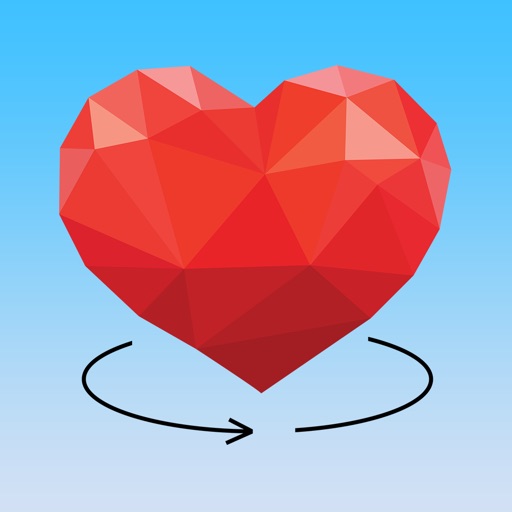
Rotate pieces as a sphere to assemble Poly Art images. Swipe to rotate and align pieces in 3D. View completed puzzles and access new poly art challenges. Track progress and replay completed puzzles.
Scan products to view augmented reality content. Access exclusive media from artists, sports teams, and creators. Interact with 3D models and watch animations. Share experiences directly with social media.
Explore 3D models of League of Legends champions, skins, and chromas. Rotate, pan, and zoom to view detailed character models. Access Little Legends and other collectibles. Save and share high-resolution images of characters.