Create collages by adding photos, text, and stickers to pre-designed templates. Customize layouts, adjust colors, and apply filters. Share finished collages via social media or messaging apps.
The app combines multiple photos into one framed picture. Users can add patterns, stickers, text, borders, filters, shapes, and frames to their photos.
The app allows users to add text captions to photos and share them. Users can select from 78 custom fonts and 41 layer effects, including banners, thought bubbles, frames, and emojis, to enhance their captions.
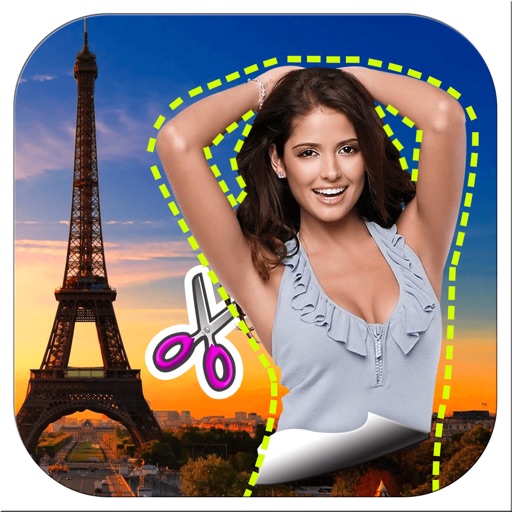
Remove backgrounds from images by drawing a closed curve. Automatically erase similar color areas for transparent results. Adjust brush size for precise edits. Pan, zoom, and rotate images.
Combine multiple photos into customizable frames or collages with 55 adjustable templates. Add rounded corners, effects, shadows, and patterns. Choose colors using an easy color picker. Save projects and share via Facebook, Email, or Twitter.
Remove with automatic portrait recognition or brush matting tools. Choose from multiple shape options for precise masking. Add color line strokes to edited areas. Export modified images directly.
Enhance blurry images to produce high-resolution faces. Unblur old photos for clearer results. Analyze historical images to reveal detailed facial features. Output sharpened versions of low-quality images.
The app creates unlimited collages with a single tap using a SmartSorting algorithm. Users can import photos, select modes, and apply various styles, text, backgrounds, filters, and stickers.
The app allows users to fit full-size photos into a square format for posting without cropping. Users can move, rotate, scale, or flip photos and change backgrounds using colors, gradients, or patterns.
Create collages with layouts, filters, and stickers
Create collages using 300+ layouts and customize shapes and aspect ratios. Apply 200+ filters, add stickers, HD backgrounds, text with stylish fonts, doodles, and quotes. Share collages directly to Instagram and other social media platforms.
Convert photos into sketches or cartoon avatars using 50+ effects like , Memory Style, and Old Movie Style. Apply 50+ cartoon effects to create humorous or artistic images. Save and share the edited photos directly.
FACE & BODY TUNE PHOTO EDITOR, SOCIETATEA CU RASPUNDERE LIMITATA
Edit photos, remove objects, apply filters
Edit photos by removing objects with the eraser tool. Apply 25 filters for styling. Add colored borders using the border tool. Recolor specific elements like clothing. Overlay bokeh and sparkles for enhanced visuals. Share edited photos directly.
Add date, time, GPS location, and custom captions to photos. Apply stamps directly in the Photos . Share stamped photos via email or social media. Adjust stamp appearance and position.
Create collages with customizable blur backgrounds and adjustable layouts. Apply filters like black and white, vintage, and retro to enhance images. Edit photos by resizing, cropping, or deleting elements.