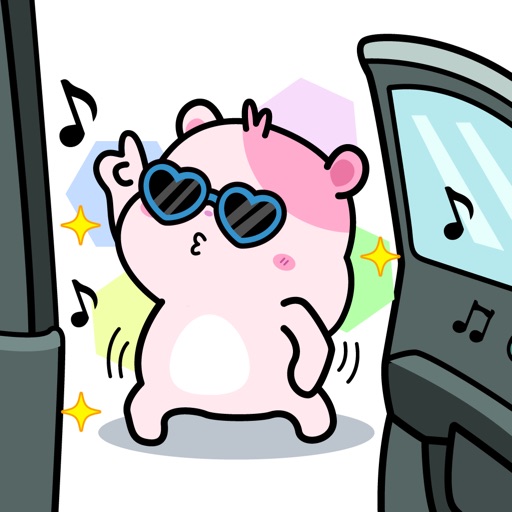
Send animated text stickers to express reactions. Choose from 24 sticker options including ayyy, chill, cute, and yas. Customize messages with animated text. Share stickers directly in chats.
by Jonathan Kupferman★ 4.211 ratingsStickersFreeData updated 2026-09-11
Add cute stickers to message threads by tapping or dragging them onto messages, photos, or other stickers. Place stickers anywhere in the conversation. Share playful, smile-inducing content for greetings or replies.
Send animated of items like spinning cinnamon rolls and syrupy pancakes. Add food and drink-themed emojis to messages. Share with contacts to personalize conversations.
Create stickers, share variations, collaborate in Freeform
Create and share customizable stickers with light and dark mode themes. Combine variations in iMessage and Freeform. Use blank canvas stickers for custom designs. Apply combos directly in iMessage.
Use featuring a cute to enhance chat conversations. Add to messages, customize sticker size, and share across platforms. Includes 40 free in a single pack.
Send and customize stickers with expressive icons to enhance conversations. Choose from a variety of cute and charming designs. Add stickers to messages, resize, and share directly within iMessage.
View animated stickers of a brown tabby cat in a fantasy world. Tap to play sounds and animations. Save favorite stickers to a personal collection. Share stickers via social media or messaging apps.
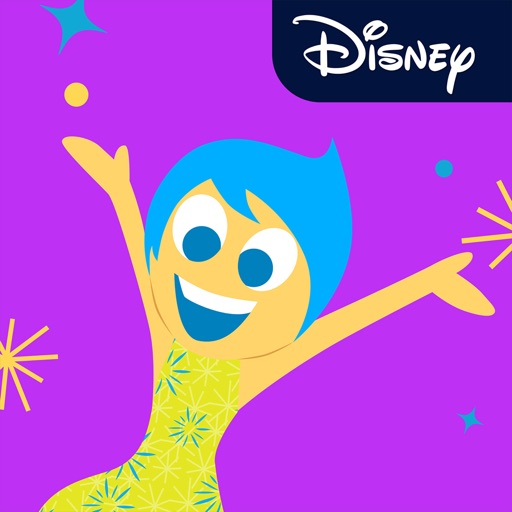
Add Emotions like Anger, Disgust, Fear, Sadness, and Joy as stickers to iMessages. Tap the Store icon to install. Use the plus icon to access sticker packs. Send stickers directly within conversations.
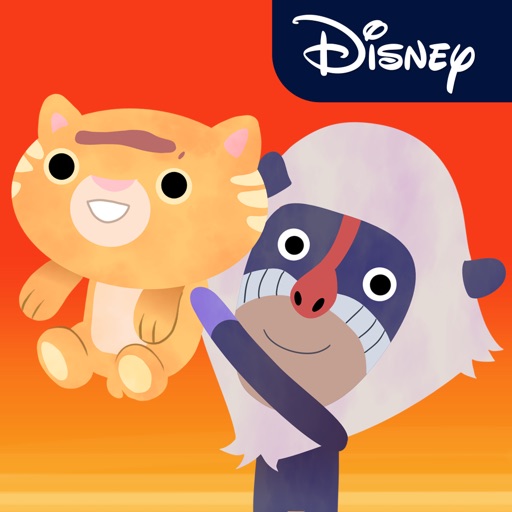
Add animated to iMessage and WhatsApp. Choose from 8 characters including Simba, Nala, Mufasa, Timon, and Pumbaa. Send with text messages. View The in theaters July 19.
Create sticker tape for iMessage by typing text. Customize appearance with fonts and colors. Share directly in chats. Edit text and design elements before sending.
Use stickers featuring Japanese characters from the " " game. Search for " " in the Store. Add stickers to messages. Customize packs. Share stickers with contacts.
Use stickers featuring Toy characters like Buzz Lightyear and Woody. Add stickers to messages, customize sticker size, and browse sticker packs within the . Share stickers via iMessage or other supported platforms.
Create and customize stickers with text, images, and animations. Share stickers across platforms. Add stickers to messages and social media posts. Edit sticker size and color. Save and organize sticker collections.
Send to add emotion and humor to messages. Choose from expressive, colorful animations that react to conversations. Drag and drop directly into iMessage conversations for quick sharing.
Use high-resolution stickers with transparent backgrounds and drop shadows. Include 88 reaction emojis from Animal Crossing: New Horizons, such as villagers' expressions, Halloween, Hip, Party, Exercising, and New Notebook sets.
Add -themed stickers to iMessages. Choose from ghosts, witches, and jack-o'-lanterns. Customize messages with spooky animations. Share stickers directly within conversations.