Explore with chord and scale references. Identify and analyze chords. Create and edit MIDI files. Use AUv3 plugins for sound synthesis and composition. View detailed scale information and interval relationships.
Create and customize chord sets using an internal library or random generation. Play chords with 8 groups of 16 pads or 2 groups of 64 pads. Generate MIDI controls on pad axes. Connect via MIDI and use as a standalone or AUv3 plug-in.
Create chord progressions using a . Explore over 40 scales with visual representation. View chords within selected scales and compare or borrow chords between scales. Adjust key settings and generate scale-based chord sequences.
Track chord during guitar practice. Log progress, view statistics, and identify challenging chords. Add custom chords and sync with the Beginner's Course.
Create and customize using real instrument sounds like guitar, mandolin, and standup bass. Play any chord progression in any key and speed. Practice with generated for bluegrass, old-time, fiddle tunes, and jazz/swing.
View diagrams for 12 keys and 32 chords. Display three fingering positions for each . Play sounds to hear the notes. Practice chords with visual guides and audio feedback.
The app offers 12 courses and 50 games covering ear training and music theory. It helps users improve skills in sound, pitch, scales, intervals, melody, chords, progressions, rhythm, and notation.
Learn notes, key signatures, and intervals through interactive exercises. Practice ear training with pitch matching and interval identification. Track progress with detailed reports and customize sessions for individual learning needs.
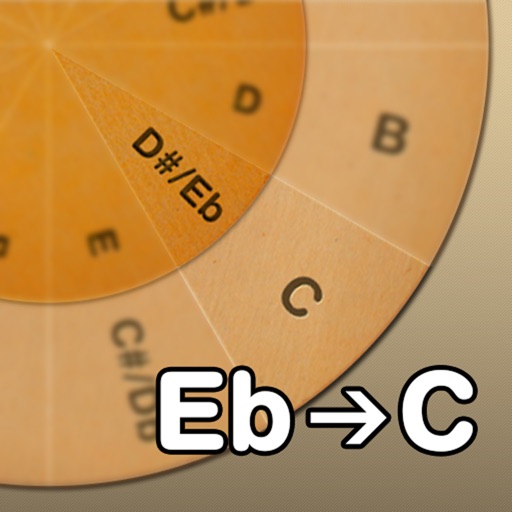
Adjust musical keys by rotating wheels to match original and target keys. Transpose chords for guitar players using capo positions. Modify song pitch to suit vocal range or instrument tuning.