Capture photos and videos with one-handed adjustments. Apply film color effects to photos and videos. Import media from other devices for color grading. Use beauty mode for enhanced visuals without cost.
by Yu Tzu Hsiao★ 4.949 ratingsPhoto & VideoFreeData updated 2026-09-11
Edit photos with AI filters, portrait generation, and stylized effects. Adjust brightness, contrast, and saturation. Apply cinematic filters and retouch skin tones. Save and share edited images directly.
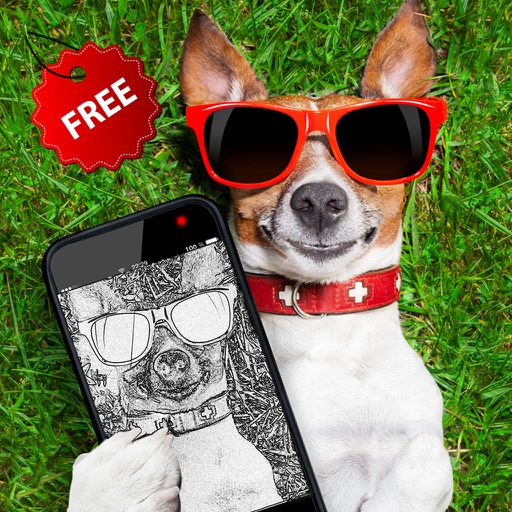
The app transforms photos into cartoon images using cel shading. Users can control edges, colors, shadows, and apply various effects like pencil sketch or watercolor.
Edit photos with blur background settings, shattering effects, and color frames. Add overlays and crop, rotate, or flip images. Import from gallery or camera, and share edited photos to social media.
The app calculates reciprocity compensated exposure time for film photography. It includes an exposure timer and supports adding custom films and filters.
The app offers pro color tools for grading various log footage on iPhone. It features a 16-bit Metal pipeline for cinematic color, highlight roll-off, and natural tones.
Explore historical sites through a virtual tour using GPS. View films, photos, and listen to firsthand accounts at each location. Navigate with an interactive map to learn about the events of May .
Upscale photos to 200%, 400%, or 800% without quality loss. Repair pixelated and blurry images. Improve resolution and enhance details. Convert low-quality photos to HD. Apply AI-based enhancements for clearer, sharper results.
Create Instagram collages using pre-designed templates. Select from static or animated layouts in categories like grid, minimal, and film. Customize templates with layer controls, color adjustments, and text overlays. Share directly to Instagram.