Apps Like Animation Desk® Ultimate for iPhone and iPad
Animate frames, export videos, create art
Create frame-by-frame animations from scratch or based on videos, images, or Photoshop layers. Export in multiple formats. Draw and animate directly on iPad or iPhone.
by Kdan Mobile Software LTD★ 4.0300 ratingsEntertainment$9.99Data updated 2026-10-24
Kids draw animals by placing their device on paper and tracing outlines. Select animal faces from the alphabet menu to learn letters. Draw body parts following on-screen instructions. Combine digital and physical interaction for creative learning.
The app offers five free solitaire games including Tri-Peaks, Pyramid, Gaps, Scorpion, and Twenty. It features multiple card decks, backgrounds, sound effects, and 3D animation effects.
Create drawings using AI to enhance sketches into detailed art. Animate drawings with a single click. Generate AI-painted artwork. Participate in drawing and animation competitions. Export creations in various formats.
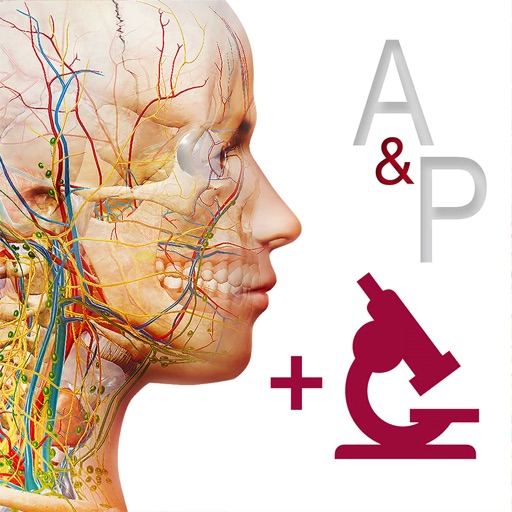
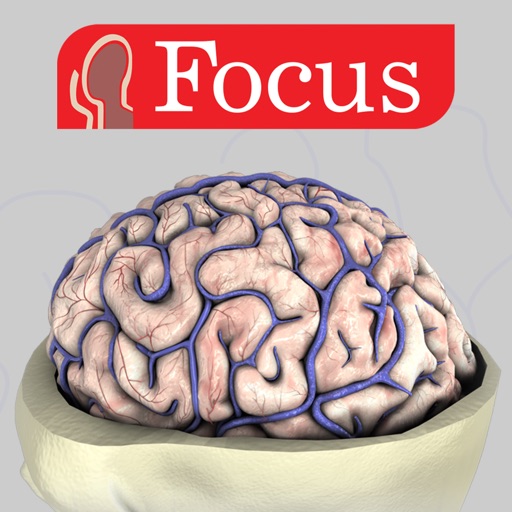
Explore 3D models to study nerves, vertebrae, and cranial structures. Rotate and zoom to examine anatomical details from multiple angles. Watch animations explaining muscle contractions.
Explore 3D anatomical structures with interactive animations and detailed labels. Navigate through dissection layers and anatomical planes. View clinical manifestations and apply 3D animations for educational understanding.
Create -to- slideshows with cinematic transitions. Add text, stickers, and music using an intuitive timeline. Edit frames precisely. Layer music, sound effects, and voice-overs. Adjust speed per frame. Add background images.
The app offers a large collection of Hollywood special effects for photo editing. Users can add professional composition tools like color correction, motion blur, and fog to their images.
The app provides interactive training for Photoshop CC. It teaches users about features and how to use them with step-by-step guidance, covering tools, masks, retouching, and more.
Edit videos by trimming, splitting, and rearranging clips. Add transitions, background colors, and text. Include music and filters. Crop, zoom, and rotate individual frames. Share finished videos directly.
The app provides layer support, selections, and masks for photo editing. Users can export projects with layers preserved and access various tools and filters.