Apps Like Essential Calculator for iPhone and iPad
Solve equations with one tap
Solve mathematical equations with a minimalist interface. Input expressions using a basic layout. View results instantly on iPhone or iPod touch. No additional features or complexity.
by Jonathan Sutter★ 4.08 ratingsUtilitiesFreeData updated 2026-09-11
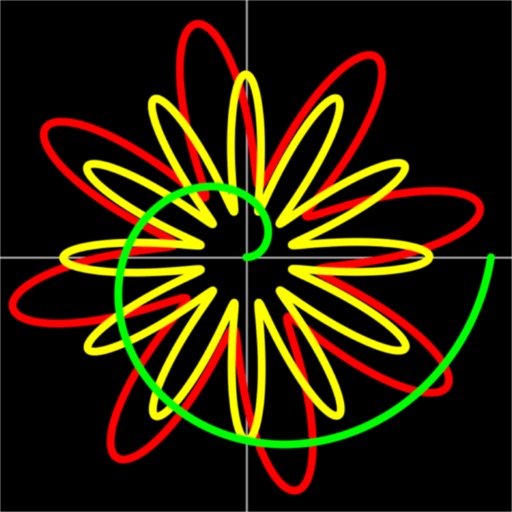
Allows users to plot functions, polar, and parametric graphs. Users can edit equations in the graph editor and view graphs. Features include tracing, finding intersections and extrema, displaying derivatives, and adding tangents.
Performs basic arithmetic and scientific calculations. Save equations and results for later. Unit Converter converts units for area, length, temperature, and more. Includes tools for currency exchange, date calculations, and percentage computations.
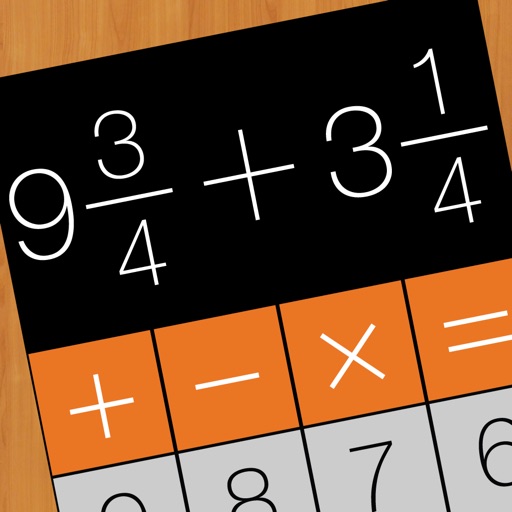
Solve math problems from basic arithmetic to advanced algebra. Perform exact fraction calculations and store unlimited variables. Create custom functions and graph equations. Switch between exact and numerical modes.
Perform complex calculations with scientific formulas and unit conversions. Access calculation history via Spotlight and 3D Touch. Use widgets for quick access and history integration. Sync with Apple Watch for notifications and basic calculations.
Solve math problems from elementary to college level. Perform algebra, calculus, and statistical calculations. Graph functions and equations. Export results and share solutions. Replace graphing calculators advanced computation tools.
Perform basic and complex calculations with a clean, intuitive interface. Input numbers and operators to solve equations. Switch between different calculation modes for precision. Save frequently used equations for quick access.
Allows users to perform basic arithmetic and advanced scientific calculations. It supports trigonometric functions, logarithms, and exponents. Users can switch between simple and complex modes. The features a clean interface and customizable themes.
Lets users switch between basic and scientific modes with over 30 operations. Customize leather color and background texture on iPad. Use portrait or landscape orientation on iPad. Take notes or draw on the screen.
Solve mathematical equations with AI-powered step-by-step guidance. Graph functions and analyze results. Perform complex calculations and receive real-time explanations. Export solutions and share results. Sync with devices for continued use.
Calculate sales tax and discounts with percentage-based operations. View equations and reuse previous results via the history tape. Adjust rounding settings and switch between multiple color themes.
Numerical² allows users to perform calculations without an equals button. It automatically adds brackets and saves equations to a synced history list. It includes scientific functions and a Today Widget for quick access.
Solve math problems with natural textbook input and fraction support. Trace graphs with touch. Zoom using pinch gestures. Tap for regression analysis. Swipe to scroll through calculation history and matrices. Access help via the ? key.
Perform complex calculations using 12 built-in calculators including scientific, financial, and unit conversion tools. Input formulas with three modes: standard, string, and RPN.
A with basic arithmetic functions and a history bar for tracking previous inputs. Supports rotation and theme customization. Includes haptic feedback for 7 and later. Loads quickly and runs without fullscreen ads.
Calculate with trigonometric and exponential functions
Store values by pressing "STO" and selecting a memory slot. Perform basic arithmetic and advanced mathematical functions including sine, cosine, logarithm, and exponential.
The app allows users to answer questions using their iPhone, iPad, or iPod Touch and receive instant feedback. Users can compare their vote to the rest of the class and access saved poll questions for studying after class.