Apps Like Essential Calculator for iPhone and iPad
Solve equations with one tap
Solve mathematical equations with a minimalist interface. Input expressions using a basic layout. View results instantly on iPhone or iPod touch. No additional features or complexity.
by Jonathan Sutter★ 4.08 ratingsUtilitiesFreeData updated 2026-09-11
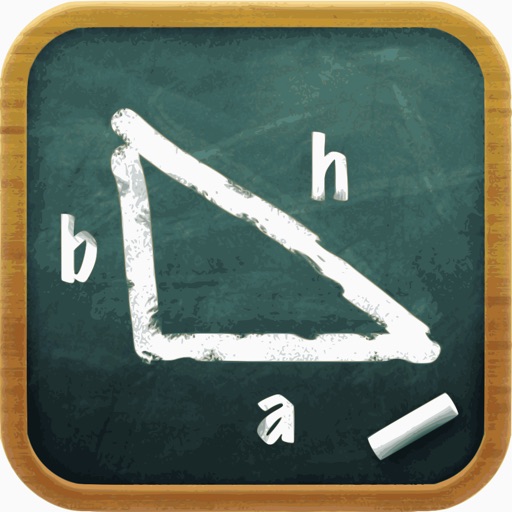
Solve right-angled triangles by inputting known sides or angles. View step-by-step calculations and a scale drawing of the triangle. Access basic trigonometric formulae. Enter angles in radians, decimal degrees, or degrees, minutes, seconds.
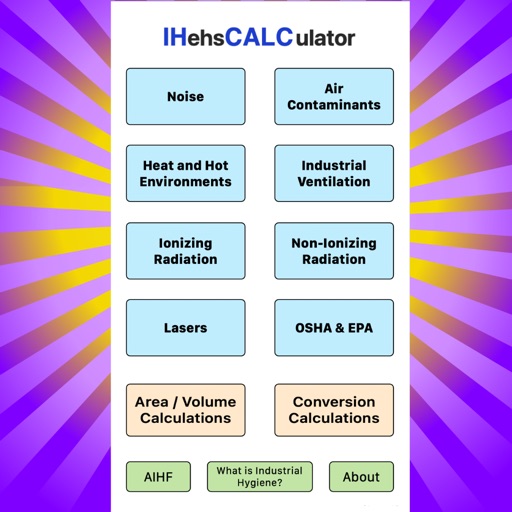
Solve environmental health and safety equations with built-in formulas. Calculate exposure risks, chemical concentrations, and ventilation rates. Input variables and view step-by-step results. Share solutions via email or copy text.
Solve equations and simplify expressions instantly as you type. Create and manipulate variables and functions with few keystrokes. Edit Markdown text to explain calculations and ideas. Share results and export calculations in various formats.
Perform calculations with a live voice input feature. Use an ergonomic key layout with an extra large "+" key and backspace function. Copy and send results via email. Support Retina displays on all iPads and iPhones. Enable Dark Mode.
Perform basic and scientific calculations with arithmetic and trigonometric functions. Switch between portrait and landscape modes. Store frequently used values for quick access.
A with SOS feature, adjustable LED brightness, and customizable color schemes. Includes a dimming effect. Turns on instantly for quick use. Offers a clean, minimalist interface.
Perform complex calculations using RPN input. Access advanced mathematical functions and programming capabilities. Store and recall values with memory registers. Use a redesigned interface for enhanced usability.
Perform complex calculations with a scientific interface. Enter expressions in natural order. Simplify results with symbolic computation. Swipe to review previous calculations. Track history and reuse past entries.
Calculate parameters based on run or total run input. Support multiple units for measurements. Determine maximum and minimum step sets. Copy results to clipboard. Access all features with unlimited subscription.
Perform complex calculations with arbitrary precision. Input equations using a visual interface. Solve large problems without external tools. Display results clearly on small screens. Save and review calculation history.
Calculator++ displays expressions in real-time and maintains a calculation history. It supports fraction operations, unit conversions, and advanced functions. Users can graph equations and perform complex calculations.
Perform calculations with a standard interface and advanced engineering functions. Input numbers and equations, use parentheses, and access scientific operations. Adjust display settings and save history for quick reference.
Perform complex calculations using RPN entry system. Access hyperbolic and inverse hyperbolic trig functions. Calculate probability, factorials, and percentages. Support absolute, integer, and fractional values. Generate random numbers.
Calculates expressions as you type and stores answers for reuse. It includes four tabs with distinct colors. Users can multiply numbers, calculate tips, and find square roots without resetting. Graph 2D and 3D functions with a single touch.
The app calculates quadratic equations, Pythagoras theorem, and logarithm equations. It shows formulas used to help users learn and features an easy-to-use interface.
The app allows users to type mathematical expressions similar to those on a graphing calculator. It computes complicated formulas, making complex calculations accessible.
Solves math problems with support for multi-story fractions, powers, and roots. Calculates trigonometric functions and complex numbers. Stores expressions and answers. Switches between basic, , and fraction modes.