The app provides graphic design and drawing tools for creating sophisticated projects. Users can design and collaborate anywhere, using photos, fonts, and shapes to create various graphics and art.
3D models using gesture-based controls for object and camera manipulation. Multi-select vertices, edges, faces, and objects with long taps or frame drawing. Merge, connect, and create faces from vertices. Draw cuts on edges.
The app allows users to paint like a master using photos from their iOS library. It offers realistic media and paper textures for creating artistic effects.
The app provides users with 48 pencils and 41 papers for creating sketches. It includes features such as layers, zoom functionality, an eyedropper tool, and undo/redo options.
Create pixel art with automatic double pixel removal for precise line art. Use round, square, and matrix dither brushes. Draw lines locked to isometric angles. Create rectangles and ellipses. Manage layers for animated projects.
Create motion art using animated brushes that animate each stroke. Customize brushes with multiple parameters. Export animated artwork as video. Save and share projects directly.
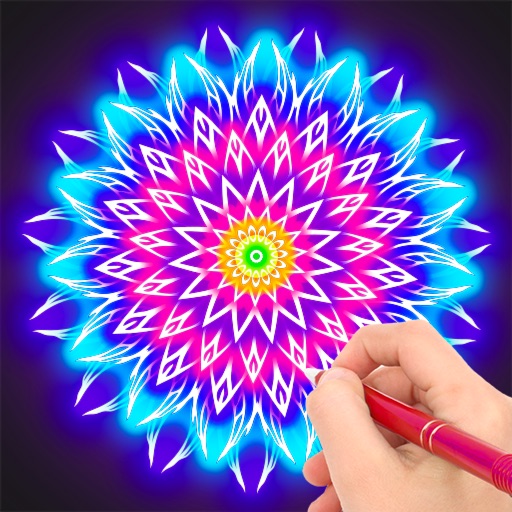
Create mandalas with customizable symmetry and brushes
Create intricate mandalas by adjusting canvas symmetry, background color, and brush settings. Use predefined patterns or images for drawing. Apply shadows and customize center points. Save and share completed designs.