
Sketch Pad -best drawing board
An Banh
Draw, paint, and share artwork
Learn to draw any subject with customizable color tools. Adjust settings for pencils, pastels, and brushes. Save artwork to camera roll and share on Facebook or Twitter.

Showing 41–60 of 1,000 ranked alternatives.
An Banh
Draw, paint, and share artwork
Learn to draw any subject with customizable color tools. Adjust settings for pencils, pastels, and brushes. Save artwork to camera roll and share on Facebook or Twitter.


Raymond GUITTONNEAU
, color, and create freely
Create drawings with 20 colors and 3 line thickness options. Continue drawing sessions across devices. Access calming background music. No in- purchases or ads. Designed for ages 1 and up.

凌 王
Annotate, edit, and share images
Edit images with drawing tools like rectangles, ovals, arrows, lines, and text. Add notes and highlights. Adjust colors and brightness. Save and share annotated images directly.

Yosuke Seki
Create art with layers and colors
Create art with layer editing, color customization, and drawing tools. Add, delete, and copy layers. Adjust colors and save projects. Requires over 300MB free storage to create new projects.


An Banh
Create art with colors and shapes
Create art with customizable colors, brush sizes, and opacity. Import photos from camera or library. Save and share designs via social media, email, or SMS. Clear canvas for new creations.


iDaily Corp.
Annotate images with tools and styles
Annotate images with tools like arrow, rectangle, circle, text, and magnifier. Import photos from library, camera, or map. Export with custom sizes and share. Customize colors, undo changes, and manage layers. Crop images and save history sessions.
An Banh
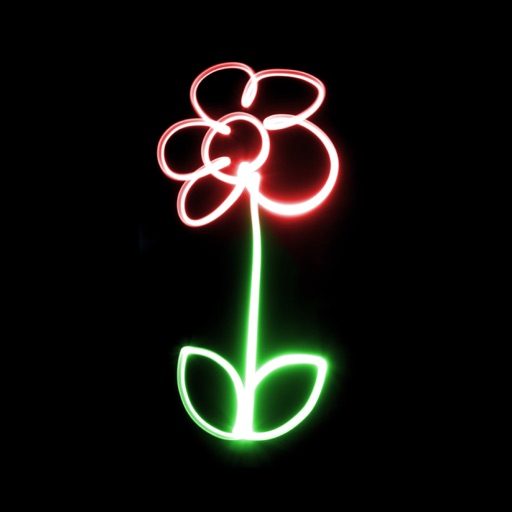
Paint and share glowing images
Create glowing neon paintings from photos. Save artwork to Photo Library. Email postcards globally. Supports New iPhone and iPad. Use multiple undo levels. Mix colors for unlimited options. Adjust brush size and glow intensity.
ICI Solutions
Draw, color, and share creations easily.
The app allows users to draw, sketch, and color various shapes and imported images. Users can save artwork to their library, send it via messages or email, and share it on social networks.


Raysoft.co
Draw with pencils and flow effect
Create art using realistic and watercolor effects. Draw with tools like marker, airbrush, crayon, and eraser. Apply fluid-based watercolor effects in the full version. Adjust colors and blend textures for detailed illustrations.


Alexey Sakharov
Practice problems and track progress
Practice problems with addition, subtraction, multiplication, and division. Solve equations with numbers up to 1000. Track progress over time. Draw numbers directly on the screen for an interactive experience.



Shigeru Nakaya
Edit images, on photos, add text, share
Edit images by on photos with 45 colors and five pen thicknesses. Use zoom edit and undo functionality. Add text with drag and pinch for free layout. Import from camera roll and attach images. Share edited content via email, Twitter, and Facebook.

Savage Interactive Pty Ltd
Sketch, paint, animate, and illustrate
Create expressive sketches, rich paintings, and detailed illustrations. Use hundreds of handmade brushes and an advanced layer system. Animate with the Valkyrie graphics engine. Edit and export artwork in multiple formats.
Apps are ranked by functional similarity, category fit, rating confidence, and popularity.