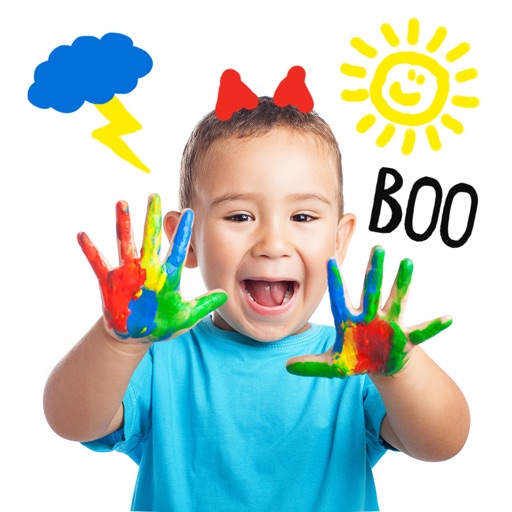
The app allows children to draw on background images and then remove the background. It functions as an electronic whiteboard and can connect to a projector for enlarged viewing.
Turn your iPhone into a digital notepad. Combine photos, voice recordings, drawings, and text on the same page. Arrange elements freely. Add handwritten notes with a stylus. Save and organize notes in folders. Share notes via email or messaging.
Edit images by detecting and highlighting contours to create pencil-drawing effects. Select photos from the device library or capture new ones. Apply the contour effect and view the resulting image on the screen.