Remove unwanted backgrounds and create precise photo cutouts using the Pen Selection Tool. Edit images with advanced selection features. Export edited photos in high quality. Sync with desktop software for professional workflows.
by Tinkerworks Apps★ 4.5616 ratingsPhoto & Video$2.99Data updated 2026-10-19
Remove from images using AI-powered auto cutout. Star mode enhances edge detection for precise erasing. Auto mode automatically deletes similar pixels. Export transparent images for use as in other apps.
Intelligent : Outline the subject to automatically remove it from the photo. Save images to system album or application album. Edit saved images directly within the .
Edit photos and videos with high-quality filters and customizable presets. Create and save custom presets. Use full-screen editing mode. Access intuitive tools for creative adjustments. Share edited content directly.
Edit photos with filters, light overlays, and aesthetic design elements. Crop, resize, and add borders or shapes. Create collages with multiple layout templates. Include stickers and share edited images on Instagram or Facebook.
Create flipbook animations with frame-by-frame drawing. Use pressure-sensitive pen and eraser tools for artistic effects. Edit with undo/redo features. Add predefined animations and effects. Export and share finished projects.
Edit photos with live video filters and custom effects. Adjust filter settings for precise control. Use advanced colouring tools to enhance details. Export edited images in various formats.
Photos with custom intensity and size settings. Zoom and pan for precise editing. Share edited images via Facebook, Twitter, Instagram, or email. Undo and redo changes.
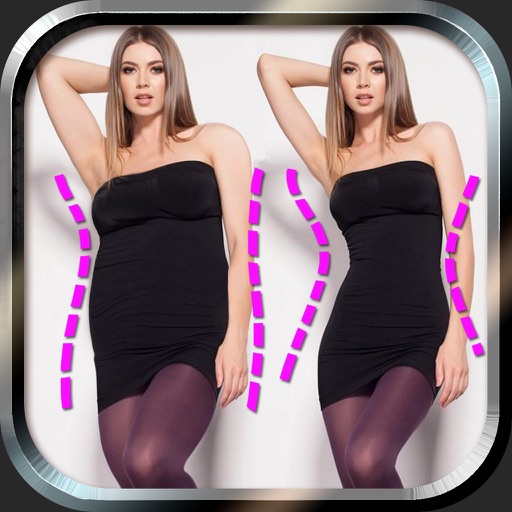
Edit photos to and body using auto-detection. Adjust and body thickness with sliders. manual edits and undo changes. Compare original and edited images. Save results to albums and share via email or social media.
Edit photos with AI-powered background removal and erasure. Refine edges manually for precise results. Enhance image quality and create professional-looking photos without design skills.
Add vibrant color to specific image areas using the Color Splash Effect. Adjust intensity and placement. Export edited in various formats. Share directly from the .
Edit photos with 25 tools and effects. Adjust brightness, contrast, and saturation. Save progress and undo changes. Share edited photos to social networks. Preserve EXIF data and edit geo-location. Export high-resolution images up to 3000x3000.
Create high-quality videos with editing tools and an AI . Add music, apply filters, and use transitions or animations. Edit from scratch using templates or customize existing videos. Share finished projects directly.
Create gallery-style portraits from images using automatic painting tools. Add color, light, and texture for realistic effects. Choose between classic-style brushes or modern-colored options. Save and share finished artworks.
Edit photos using contrast, saturation, and brightness tools. Apply free and custom filters. Share edited images to social media or save in high resolution. Collaborate with other photographers in a community workspace.
Edit photos with nondestructive color adjustments, AI-powered automatic selections, and support for over 750 RAW formats. Use the Repair tool to remove unwanted objects. Export edited images in various formats and share directly.
Blur image backgrounds to create effects. Select photos from gallery or capture new images. Apply multiple blurring tools to adjust blur intensity. Export edited photos to device storage.