Remove unwanted backgrounds and create precise photo cutouts using the Pen Selection Tool. Edit images with advanced selection features. Export edited photos in high quality. Sync with desktop software for professional workflows.
by Tinkerworks Apps★ 4.5616 ratingsPhoto & Video$2.99Data updated 2026-10-19
Convert videos to Photos with one tap. Trim clips, adjust aspect ratio, and choose custom covers. Save in HEIC format for iOS 17+. Create dynamic wallpapers from travel scenes, pet moments, or daily memories.
Write on images using built-in fonts, backgrounds, and colors or upload custom fonts. Save images as editable documents for reuse. Undo and redo changes. Sync across iPhone, iPod Touch, and iPad.
Add text to photos with caption, bubble, and thought bubble options. Choose from 6 free frame styles and multiple caption designs. Adjust text size, position, and appearance.
The app allows users to enhance color and clarity in photos with balanced presets. It offers a live split preview, curated presets for different styles, and the ability to blend effects for a desired finish.
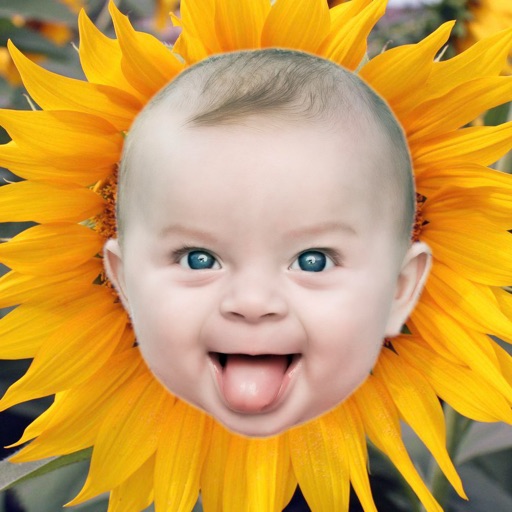
The app allows users to cut out objects from one image and superimpose them onto another. It offers a magnetic lasso and a brush pen for masking, with options for resizing, moving, and rotating the foreground image.
Create oil paintings from photos with brush stroke effects, color blending, and texture layers. Adjust lighting and shadows. Save and share final artwork in high resolution.
Unwanted objects, people, text, and blemishes from photos using AI-powered retouching. Erase elements with one tap for natural results. Adjust and refine edits to achieve desired outcomes. Share edited photos directly.
Create collages by dragging and dropping cutouts from the photo library. Use smart cutout for quick image selection or long-press to manually cut photos. Edit collages with unlimited drag and drop functionality.
Remove backgrounds and unwanted objects from photos and videos using AI. Tap to remove backgrounds, swipe to erase objects. Edit media quickly with precision. Export edited content directly.
Apply effects to photos including sepia tone, grain, darkened edges, distressed paper, and faded highlights. Adjust intensity settings and export edited images in various formats.