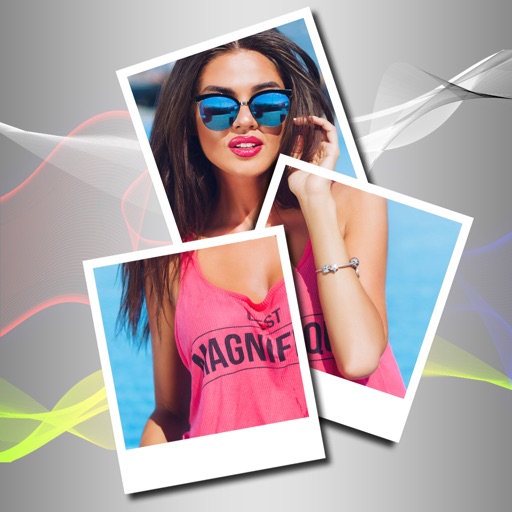
Create montages by placing your in photos. Add to images. Select photos from the gallery or capture new ones. Share finished montages via social networks or messaging apps.
Set device wallpapers with Santa, trees, gifts, and festive avatars. Browse and apply holiday-themed designs. Personalize screens with seasonal images. Share wallpapers via social media.
Capture photos with a variety of frames including general, antique, fame, fun, heart, flower, kid, Christmas, Halloween, diamond, and gold. Use custom frames with adjustable transparency, hue, saturation, and brightness. Apply filters and effects.
Add flower and borders to photos. Edit images with cropping and brightness adjustments. Share edited photos with friends and family. Save and view edited images in the .
Edit photos by adding , stickers, and text. Create collages and cards with customizable designs. Upload images from the gallery or take new photos. Choose from pre-designed and stickers. Add notes and messages to photos.
Edit photos with -themed and backgrounds. Add text and customize images. Choose from over 50 frame options. Import photos from gallery or capture new images. Share edited photos directly.
Create by selecting a photo from the camera or gallery. Choose a frame, adjust its position, rotation, and size. Share the card via social networks or messaging apps.
Create festive holiday images and videos with customizable backgrounds, twinkling lights, and holiday-themed elements. Add text and decorations. Share finished projects directly with friends and family.
Edit photos with filters, effects, and text tools. Add stickers, shapes, and draw over images. Adjust colors, lighting, and focus. Crop, resize, and enhance details. Apply tone curves and retouch features. Export and share edited photos.
The app allows users to add over 100 free assets, hundreds of emojis, and themed image packs to photos. Users can also utilize a caption tool and add frames before sharing their creations.