Adjust camera settings including exposure, focus, and white balance. Control shutter speed and ISO manually. Preview raw images and apply custom filters. Save and share edited photos directly.
Control camera remotely, preview live feed, capture
Control camera settings remotely using two iPhones, one as camera and one as remote. View live previews in real time. Capture photos, videos, and timelapses. Adjust flash, focus, exposure, zoom, timer, ISO, shutter speed, and white balance manually.
The app offers a full set of camera features for various skill levels. It includes video recording, slow shutter modes, and folder organization for managing photos.
Edit photos with brightness and exposure sliders for precise control. Choose from JPG, PRO, RAW, and HEIF formats. Capture images in high quality. Adjust custom settings for advanced photography.
Use an iOS device as a camera in software. Control shutter speed, ISO, focus, and white balance. Capture JPG or DNG images directly from the device. Connect via USB and DF for tethered shooting.
The app offers manual and semi-automatic exposure modes, with controls for shutter speed, ISO, and exposure compensation. It includes various focus modes, white balance presets, and a selection of filters for color, contrast, and edges.
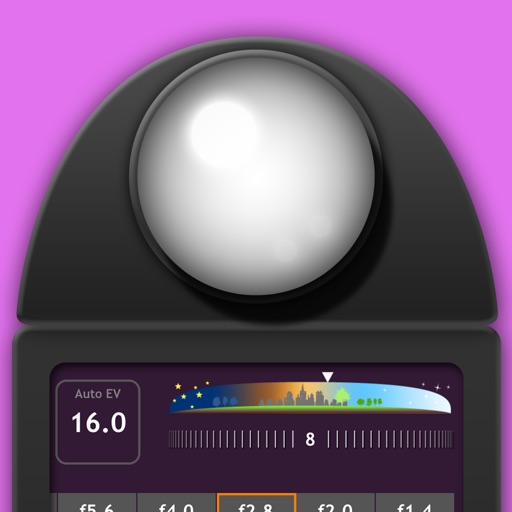
Measure EV values by pressing the left EV button to display aperture and shutter speed combinations. Adjust EV manually to preview brightness changes. Recommended for film camera enthusiasts.
Adjust settings including ISO, focus, and shutter speed for photos and videos. Control exposure and shutter speed for long exposures or slo-mo videos. Use double tap for photos and triple tap for video gestures.