Photos by tapping to automatically backgrounds or specific objects using AI. Select images from the library or camera. Adjust intensity and apply effects to hide unwanted details. Export edited photos directly.
Edit videos with , fast , and stop effects. Adjust speed for specific frames or portions. Add music and share to social media platforms. Record live with speed control. Output in high resolution.
Backgrounds from images and videos using AI and chroma key technology. Erase or restore details manually with pro tools. Edit social media profile pics, GIFs, and memes by removing backgrounds. Export edited content for online stores or sharing.
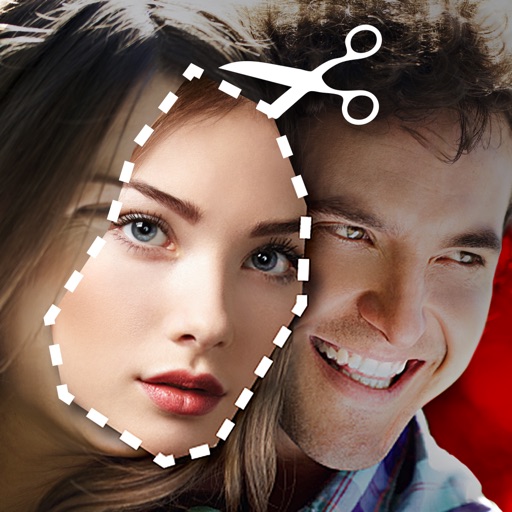
Cut photos with AI to remove backgrounds and isolate subjects. them onto new backgrounds or other images. Swap faces between photos and add missing people to family shots. Create collages by combining multiple images.
Edit images to remove backgrounds and create transparent images. Use zoom for precise edits. Cut out objects and save as stickers. Export for use in presentations, documents, and image editors.
Edit photos by highlighting colors, removing or changing backgrounds, and blurring specific areas. Use healing and smoothing tools for precise adjustments. Create photo montages and export edited images directly.
Photos with custom intensity and size settings. Zoom and pan for precise editing. Share edited images via Facebook, Twitter, Instagram, or email. Undo and redo changes.
Apply effects to videos to obscure faces, logos, or background objects. Use auto-tracking for quick blurring. Define multiple areas with ellipse or rectangle shapes. Export blurred videos for YouTube, TikTok, and other social media platforms.
Convert videos into vintage style with adjustable date settings and filters. Import custom videos, add text and emojis, and include background music. Use flashlight, zoom, and selfie mode for enhanced recording and editing.
And edit photos with customizable size formats. Choose from square, portrait, or landscape. Add photos from the library and adjust their position, rotation, and size. Use the adjustments tool for precise edits.
Unwanted or background clutter from photos using AI-powered erasing. Reconstruct the background to fill in removed areas. Edit and enhance images with advanced AI technology. Save and share edited photos directly.
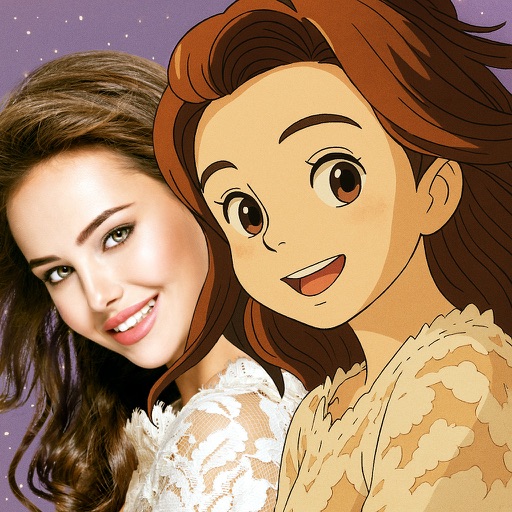
Convert photos into Anime-style artworks, professional headshots, or realistic AI videos. Edit generated images, adjust styles, and export in various formats. Share directly or integrate with social media platforms.
Edit photos by removing objects, people, blemishes, and watermarks using AI-powered tools. Erase unwanted elements with simple taps and swipes. Retouch imions and eliminate logos, signs, and distractions from images.
Convert photos into -style characters using AI technology. Select a photo or use the to generate avatars. Customize backgrounds, animate scenes, and share created artwork. Edit and refine cartoon faces with various styling options.
Edit photos and videos with hairline matting for precise background removal. Erase unwanted people from images. Apply artistic filters and templates. Create greeting cards, memes, and ID photos. Export edited content in various formats.