Print photos on 2x3”, 2.3x3.4”, 3.5x4.25”, or 4x6” paper using printers. Select photos from smartphone or social media. Edit images with HP’s photo-editing tools. Add stickers to prints. Send edited photos to the for printing.
by C&A Marketing Inc.★ 4.765,642 ratingsPhoto & VideoFreeData updated 2026-09-11
Create photo collages by arranging images in a grid layout. Choose the number of photos per page and add borders. Export the collage as a PDF for printing or email. Ideal for classroom use or quick multi-image printing.
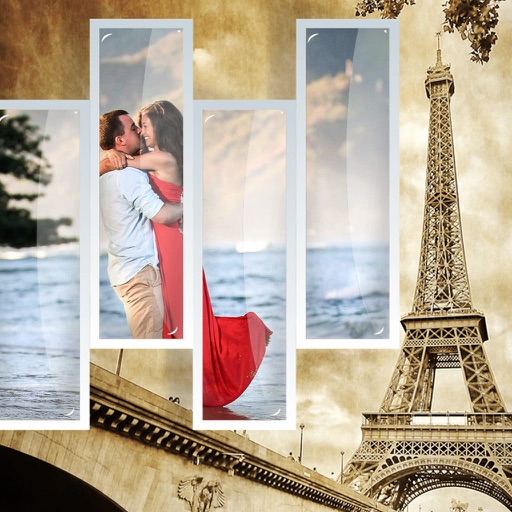
Edit photos by selecting from the gallery or capturing new ones. Apply various frames and effects. Adjust position, size, and angle. Save, share, or upload images to social media platforms like Facebook and Twitter.
Paint images onto walls, paper, or canvases using a grid method. sections of an image with your phone's camera as a guide. Transfer photos to large surfaces for DIY projects or professional installations. No artistic skill required.
Edit photos to increase resolution and clarity using AI. Enhance image quality by removing backgrounds and upscaling for printing. Save and share improved photos directly.
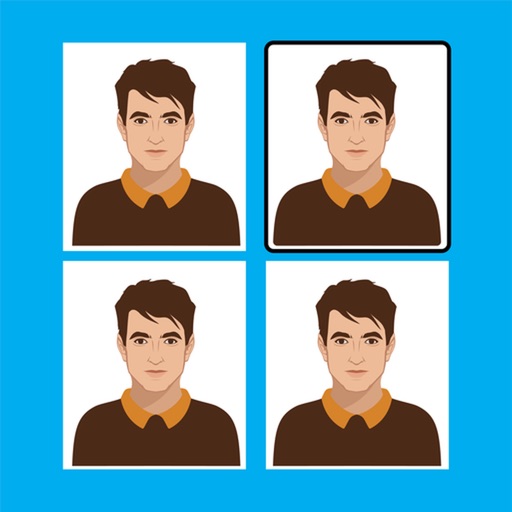
The app allows users to create document photos for IDs and passports. It offers image editing tools for quality improvement, background removal, and custom sizing with DPI settings.
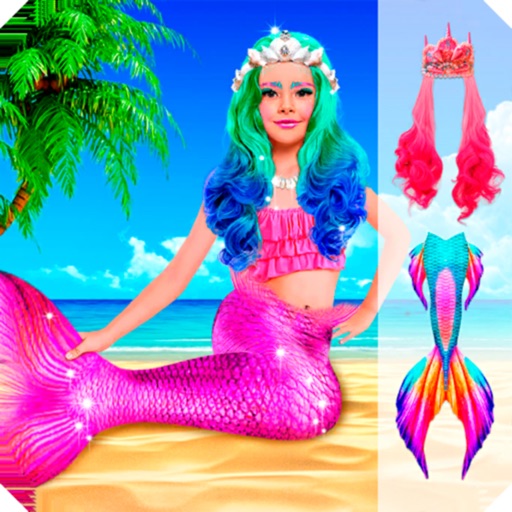
Edit photos with sea-themed frames, overlays, and underwater effects. Add text and stickers with customizable fonts. Export edited images in various formats and share directly.
Remove backgrounds with one-tap AI detection. Adjust edges and transparency manually. Replace backgrounds with solid colors or images. Export edited photos in high resolution.