Photo Splat Free
C Loep
Add color to grayscale photos.
The app converts selected photos to grayscale, sepia, or custom colors. Users can then add color by painting over desired areas with their finger, utilizing paint and eraser modes.

Showing 581–600 of 1,000 ranked alternatives.
C Loep
Add color to grayscale photos.
The app converts selected photos to grayscale, sepia, or custom colors. Users can then add color by painting over desired areas with their finger, utilizing paint and eraser modes.



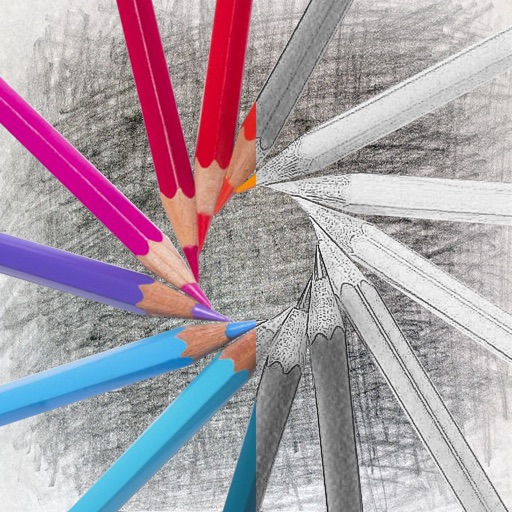
永亮 潘
Photos with drag-and-drop
Convert photos into sketches with tone drawing engine. Adjust pen color, size, and background. Generate strokes with transparent backgrounds. Save sketches in original size and colorize with original colors.
etinysoft Inc.
Professional paint and drawing application.
The app offers multi-layer functionality for creating and saving images. It includes over 100 types of brushes with adjustable parameters and familiar preset tools for drawing and editing.



Six Foot Three Foot
Doodle, erase, and rotate lines
Create line drawings with rotating controls and shake-to-erase function. Use LED pegs to make point drawings. Paint with 8-bit style tools. Save artwork to photo library.


Sang Hyun Jun
Images with finger touches
Create images by drawing on photos or images from the device album. Choose pencil styles and adjust saturation. Control zoom, pencil size, and brush settings to customize sketches. Export and share finished drawings.
Apps are ranked by functional similarity, category fit, rating confidence, and popularity.