Take photos with real-time beauty filters and effects. Apply makeup and adjust skin tone instantly. Use photo filters to enhance images. Create collages by combining multiple photos. Edit with blur, whiten, and other tools.
Create cinemagraphs by animating static images with moving effects, presets, and filters. Add overlays and convert to videos or GIFs. Save and share animated photos as wallpapers or social media content.
Edit photos to convert them into and with adjustable contrast, brightness, and grain. Apply filters and vintage effects. Crop, rotate, and add text overlays. Save and share edited images in various formats.
Post photos and videos without cropping for Instagram. Add blur backgrounds automatically. Resize, rotate, and zoom content within the square. Apply effects, filters, stickers, and text. Select no layouts. Support 1080P video. Save in high quality.
The app processes images or videos with adjustable filters. Users can crop, rotate, apply effects like sketch or blur, and merge effects with a hand-drawn mask.
Turn your phone into a DSLR with computational photography and AI. Capture 4K Ultra HD videos and photos. Use large aperture for bokeh effects. Switch between and standard modes. Edit and share directly from the .
Edit photos and videos with move, rotate, scale, flip, and custom adjustments. Apply unique filters, effects, borders, and frames. Add text and stickers. Share full-size content directly to and other social platforms without cropping.
Edit photos with single-tap filters, brightness, opacity, contrast, blur, and focus adjustments. Rotate, crop, and resize images. Share to Facebook, Twitter, or Instagram. Save to photo library or send directly.
Plan and organize Instagram content by scheduling posts, stories, reels, and carousels. Drag and drop to arrange feed layouts. Hide, pin, or unpin posts. Sync with accounts to view future and published content. Edit profile details and highlights.
The app offers photo editing tools including filters, effects, and adjustments for brightness, contrast, and saturation. Users can add text and stickers to their images before sharing them.
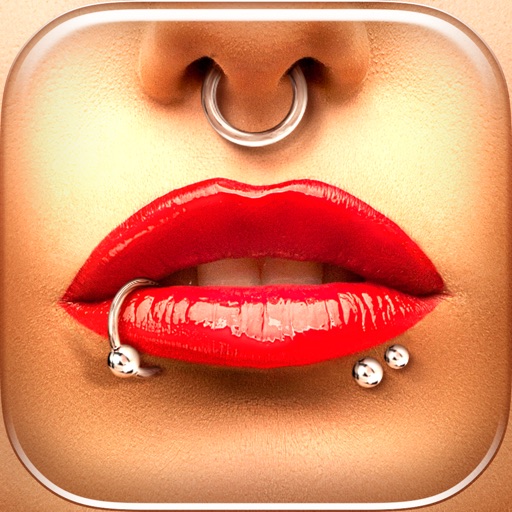
Try different styles with realistic effects. Choose from face, ear, belly, labret, teat, and nose categories. Select from over 300 objects. Adjust placement and size for custom looks. Share edited photos directly.
Edit photos by highlighting colors, removing or changing backgrounds, and blurring specific areas. Use healing and smoothing tools for precise adjustments. Create photo montages and export edited images directly.
Adds depth effects to portraits using neural network technology. Adjusts background blur manually for precision. Offers multiple blur settings to customize the artistic effect.