Front flash light enhances visibility in dark settings with adjustable color options. Apply instant filters to enhance photos. Save edited images to the device album and share them with others.
by IT HK SERVICE LIMITED★ 0.00 ratingsPhoto & VideoFreeData updated 2026-09-11
Convert photos into cartoons, anime, or artistic styles using AI technology. Apply filters to alter appearance and style. Upload selfies or images for transformation. Share edited results directly.
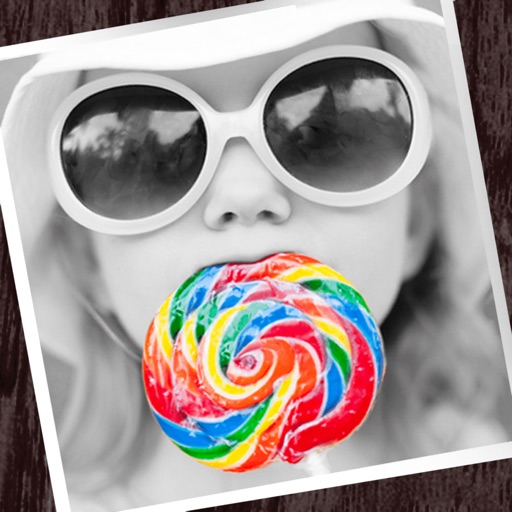
The app allows users to apply monochrome filters and effects to specific parts of an image by rubbing with a finger. Users can also reduce or enlarge images using a pinch gesture.
Apply filters to photos and videos for enhanced visuals. Choose from hundreds of professionally crafted filters organized by category such as Black & White, Selfie, Food, and Vintage.
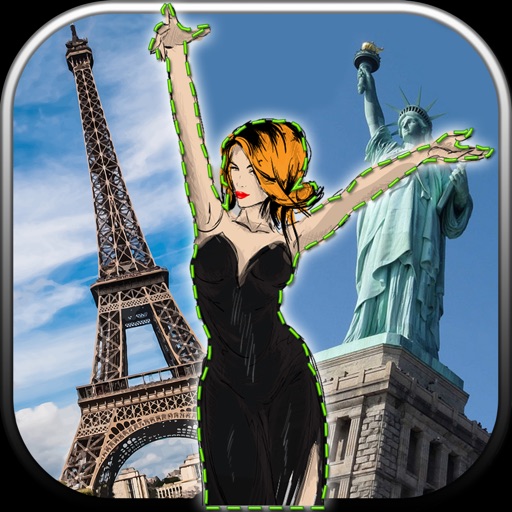
Edit photos by removing unwanted backgrounds and replacing them with scenic images. Cut out subjects and paste them onto new backgrounds. images for seamless montages. Share edited photos directly.
The app allows users to add speech balloons to photos. It offers a simple interface with various balloon options, voice input, and image editing tools like cropping and filters.
The app offers magnification up to 30x for detailed viewing and photography. It includes a flashlight, image stabilization, and adjustable contrast settings for various visual needs.
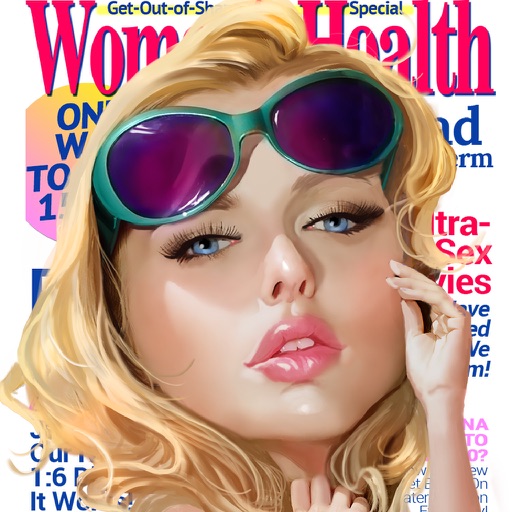
Create personalized covers by adding text and editing photos. Choose from various headlines and styles. Share finished covers on social media. Edit images with filters and cropping tools.
Edit photos with filters, backgrounds, patterns, textures, frames, and stickers. images to format. Access photos from the gallery or capture new ones with the camera. Apply creative tools to enhance and style images. Share edited photos directly.
Apply New frames to photos. Add stickers and shapes. Create collages with holiday patterns. Customize designs for Hindu culture celebrations. Share edited images directly.