Front flash light enhances visibility in dark settings with adjustable color options. Apply instant filters to enhance photos. Save edited images to the device album and share them with others.
by IT HK SERVICE LIMITED★ 0.00 ratingsPhoto & VideoFreeData updated 2026-09-11
Guangzhou Mengdong Information Technology Co., Ltd.
Capture moments with trendy retro filters
Capture photos with artistic film themes featuring retro aesthetics and trendy elements. Apply unique color filters and textures. Customize styles for different occasions. Share edited photos directly.
Apply realistic filters for vintage tones. Add grain and scratches for authentic texture. Adjust exposure and contrast for -like lighting. Export in high resolution and share directly.
Capture photos with location-specific filters tailored for Indonesia, Tokyo, Okinawa, and Saipan. Edit images using special color tones designed by a travel photographer. Save and share edited photos directly.
Edit photos with -style filters, , and color grading. Adjust exposure, contrast, and saturation. Save and share edited images. Access tutorials on composition and photography techniques.
Edit photos with typography, stickers, and artwork. Apply filters and effects. Add overlays, masks, and drawing tools. Create collages and share to social networks. Includes textures, borders, and patterns.
Edit photos with color filters, adjustment tools, and customization options. Apply creative color grading. Export edited images in various formats. Share photos using the #digitalfilmapp hashtag.
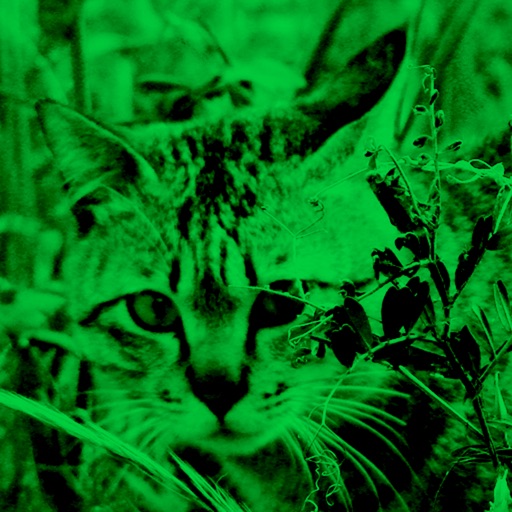
Enhance low-light photos with increased light intake and 8x zoom. Apply thermal imaging, green mode, and binoculars effects. Adjust brightness and contrast for clearer images in dark conditions. Share edited photos directly.
Add to photos using over 63 customizable fonts. Customize , size, and color. Apply filters, stickers, and artwork to enhance designs. Save and share edited images directly.
View live streams and chat with emotes from 7TV, BTTV, and FFZ. Browse followed, top, and categorized streams. Autocomplete emotes and mentions. Switch between light, dark, and black themes. Search for channels and categories.
Take selfies with a live beauty and apply custom filters. Create collages in 18 styles with masks and frames. Add spiral or neon effects to photos. Enhance and save library images. Capture selfies with a timer.
HC MAKER - PHOTO LOGO BACKGROUND EDITOR APPS FOR FREE
Apply filters and share photos
Edit photos by importing or taking a picture, then applying curated filters designed by professional photographers. Save edited images and share them directly. Access a library of free images for inspiration.
Create -themed with customizable effects and designs. Edit photos with filters and overlays. Save and share edited images on social media. Adjust settings for high-definition output. Apply professional-grade effects for enhanced visuals.
RAY INFORMATICS YAZILIM TEKNOLOJI MEDYA DANISMANLIK VE EGITIM TICARET LIMITED SIRKETI
Photos with AI in one tap
Enhance and black and white photos using AI. Adjust brightness, contrast, and color balance. Apply automatic colorization with one tap. Save and share edited photos in various formats.
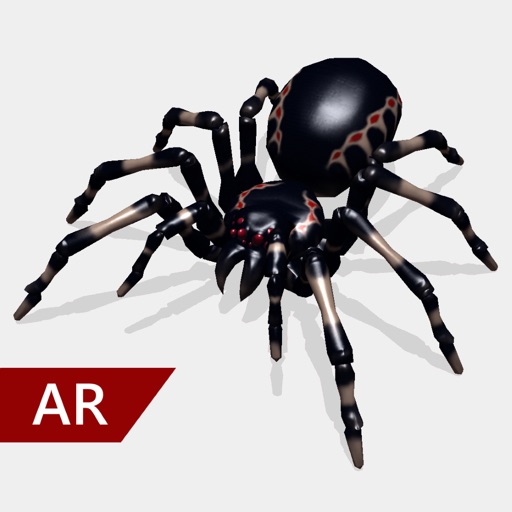
Create and share realistic scary videos featuring interactive . Choose from five spider types and adjust their size. Step on the ground to scare or let them attack. Apply nine full-screen filters to enhance the effect.
Edit photos with skin smoothing and whitening features. Adjust enhancement levels from 1 to 8. Apply 12 unique filters for enhanced selfies. Add makeup tools for detailed facial enhancements. Save and share edited images directly.
Edit photos with skin smoothing, wrinkle removal, and blemish reduction. Adjust makeup intensity and highlight areas. Apply filters for natural or enhanced looks. Save and share edited images directly.
Offers manual camera controls for iPhone and iPad. Users can adjust exposure, focus, and white balance. Capture photos in ProRAW and ProRes formats. Record videos with advanced settings. Access DSLR-like features for precise image adjustment.