Edit photos with depth-based bokeh effect for professional portrait blur. Restore old or damaged images with enhanced clarity. Remove unwanted objects from photos. Adjust colors, brightness, and contrast. Export edited photos in various formats.
Edit videos with rotation, scaling, and cropping tools. Add borders and frames for square format. Trim clips and share directly to Instagram, Facebook, or Vines without cropping. Apply blur to background for enhanced visuals.
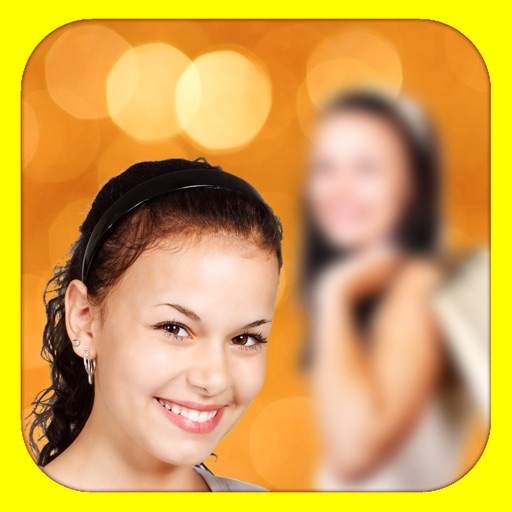
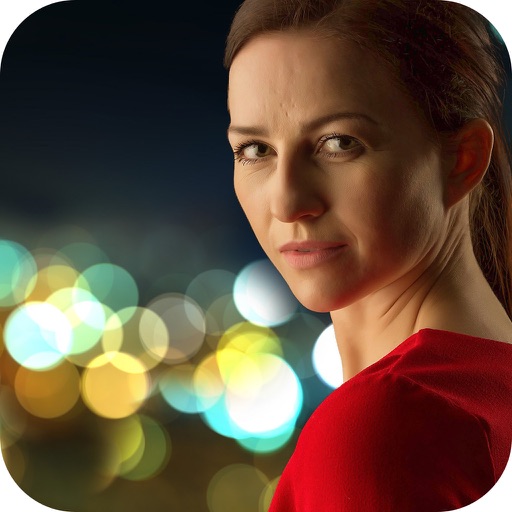
The app adds depth of field to images, creating realistic blurs with Bokeh effects. Users can adjust blur amount, paint focus areas, and share creations on social media or save them.
The app allows users to create DSLR-quality photos with blurred backgrounds and bokeh effects. It features an easy editing process with a selection tool and loupe for detail-oriented editing, and users can adjust the bokeh level.
Create photo collages and video slideshows with customizable layouts, colors, and patterns. Add text, filters, and music. Edit photos with object removal, skin softening, and blur effects. Include stickers, outlines, and background adjustments.
Photos lets users photo backgrounds with a few taps. Adjust strength and apply bokeh effects. Remove unwanted objects or faces. Enhance focus on subjects by isolating them from the .
Edit photos with background erasing and changing tools. Blur backgrounds and apply portrait beauty effects. Add realistic filters and effects with one tap. Share edited photos directly. Join a community for editing tips and feedback.
Edit photos with effects using one-finger and two-finger controls. Apply bokeh blur to simulate a lens. Adjust focus and perspective to warp images creatively. Export edited photos in various formats.
Use live camera, photos, and videos as media sources. Stream video content. Remove with chroma key and spill suppression. Erase backgrounds and skies using AI. Replace erased areas with built-in backgrounds or textures. Blur backgrounds with AI.