The app allows users to adjust image sizes by importing from the photo library, camera, or clipboard. It helps users correct image sizes for design projects and preview pixelation at different scales.
Create original images using light effects. Apply light leak filters to add unique textures. Adjust brightness and contrast for enhanced visuals. Share edited photos directly to social media.
Allows users to edit, merge, and share PDF documents. It includes text editing, scanning, and document sharing features. Users can view and annotate PDFs, and organize files for easier access.
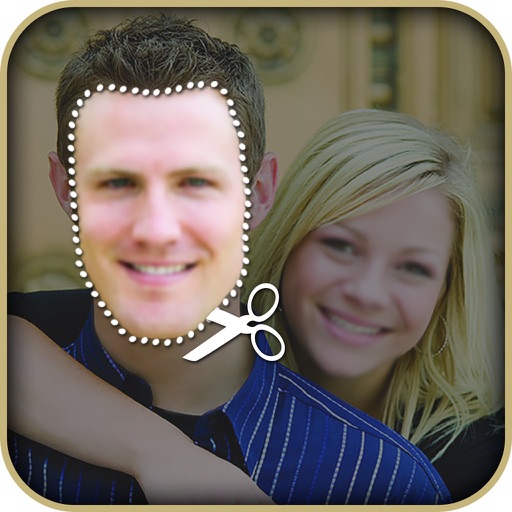
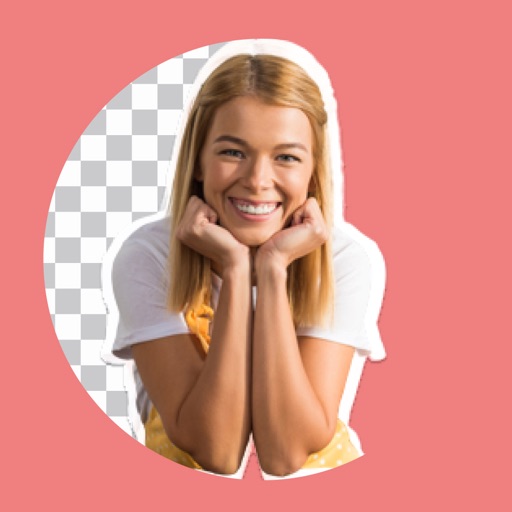
The app allows users to cut portions of photos, such as faces or objects, and paste them onto other images. Users can select photos, cut parts of them, and then paste these cut sections onto different backgrounds from their gallery or camera.
The app stitches long images with original picture quality. It supports vertical and horizontal stitching of up to 24 pictures, with options for borders, text, and custom templates.
Edit photos with customizable HDR settings including effects, brightness, contrast, temperature, and hue/saturation. Capture high-resolution HDR photos in one click. View and manage HDR images in a dedicated gallery.
The app removes various types of noise from photos, including high ISO, chroma, and film grain. It preserves image details and can soften facial wrinkles.