Control V guitar amplifiers via Lightning cable. Browse, download, edit, and save guitar tones. Manage 70+ amps, 104 effects, 25 speaker cabinets, and 4 microphones. Use up to 8 simultaneous effects.
by Line 6, Inc★ 2.6104 ratingsMusicFreeData updated 2026-09-11
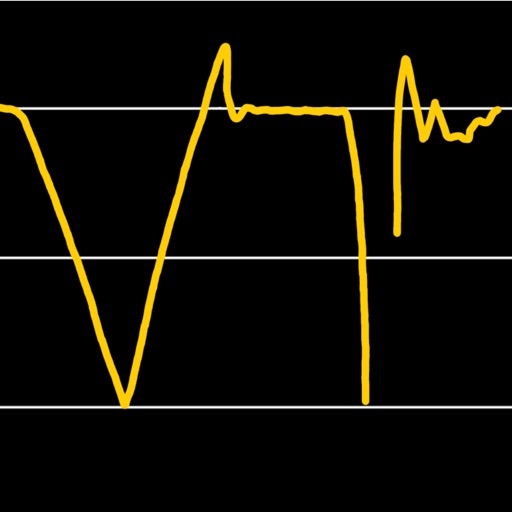
Visualize pitch and intonation as a trace on the screen. Compare singing or playing instruments to reference tones on a piano keyboard. Track pitch accuracy, slides, and scoops in real time. Used for vocal training and instrument tuning.
Analyze audio songs in the iOS music library to display symbols. View chords in graphical piano keyboard or guitar tab formats. Practice and play songs using displayed chords.
Generate clean guitar arpeggios with customizable settings. Tap "Create" to instantly generate riffs. Adjust tempo, scale, and pattern type. Export riffs as audio files. Integrate with DAWs for music production.
Control audio output with equalizer settings and preset sound profiles. Connect and manage compatible headphones. Access exclusive artist patches for customization. Sync with the for firmware updates and additional content.
Adjust audio files by changing pitch and tempo independently. Select and loop specific regions. Export modified audio. Useful for practicing instruments, transcriptions, and adjusting audiobook .
Create and play music with virtual instruments including pianos, basses, guitars, drums, and synthesizers. Use Chord Pads to build harmonies. Record performances and export audio files. Share creations directly from the .
Convert into music by analyzing hues, saturation, and brightness to generate mode, scale, chord progression, and melody. Display animated visuals synced with the music. Share the resulting multimedia content.