Create long images by automatically stitching horizontal or vertical scrolls. Combine up to 99 photos in waterfall format. Design minimalist postcards with customizable styles. Apply mosaic effects to blur parts of images.
by 芊 彭★ 4.924 ratingsPhoto & VideoFreeData updated 2026-09-11
Allows users to edit images with precise control over lighting, color, and composition. Apply pre-designed models for realistic visual effects. Export edited images in high quality. Share directly via social media or messaging apps.
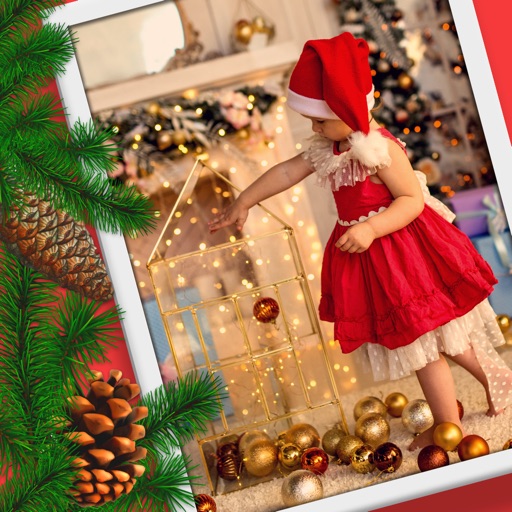
Create custom and New Year greeting cards with text, stickers, and . Add personal messages and share edited photos. Design personalized postcards using user photos and available templates.
Create videos from photos using 150+ templates. Apply hot and slay styles for confident edits. Add cinematic effects and visuals. Export and share finished videos directly.
Take photos with continuous focus and exposure adjustment. Use horizontal detection for natural shots. up to 144x during or after shooting. Trim images before saving. Import photos from the library. Quick launch via widget.
Edit photos with skin smoothing, whitening, and acne removal tools. Apply blur and adjust face contours. Access dozens of drip with customizable backgrounds and colors. Share edited images directly.
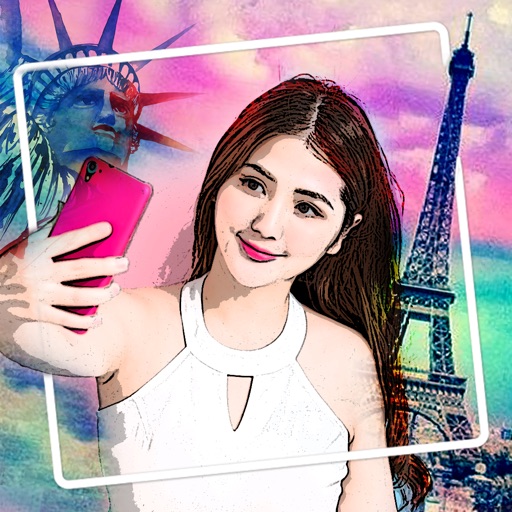
Convert photos into artistic styles like caricature, stylized portraits, and virtual backgrounds. Extract portraits and replace backgrounds with customizable options. Create magazine covers and animated themes. Share edited images directly.
Edit photos with 140 humorous graphics and comic text. Apply filters by swiping. Share directly to Instagram, Facebook, and Twitter. Message quickly. Print photo creations as physical postcards.
Create collages by taking overlapping screenshots and cropping them together. Use an automatic image stitching feature for vertical layouts. Save collages to the photo library or share them with other apps.
Add frames, patterns, colors, and blur effects to profile pictures. Adjust background color and apply instant DP borders. Resize and rotate images for Instagram. Post full-size photos without cropping. Create images for social media.
The app provides real-time price comparisons for products by scanning barcodes and QR codes. It features a community forum for users to exchange information and offers a shopping list function with automatic price calculation.
Edit photos with filters and adjust sensitivity for artistic effects. Save and share edited images directly. Use an intuitive interface to create visually striking effects without technical expertise.
Create and edit visual stories using a library of art styles and templates. Add text, images, and audio to narrate scenes. Export stories in various formats and share via social media or email.
Edit photos with filters, backgrounds, captions, and stickers. Add themed frames for holidays, birthdays, and milestones. Create collages and apply special effects. Share edited images directly.
Create and customize images using a variety of style templates including fresh and sweet, retro ethnic, classic Hanfu, dreamy wedding dresses, minimalist portraits, and trendy travel shots. Switch styles with one tap.
Create intros with customizable effects and music. Add glitch and trending animations. Export videos in 1080x1920 resolution without watermarks. Access weekly updated themes and styles.
Edit photos to create anime, caricature, or styles using AI technology. Apply filters like toon, face child, and reface. Edit portraits with artisan tools and add custom backgrounds. Generate 3D avatars from images.