Create long images by automatically stitching horizontal or vertical scrolls. Combine up to 99 photos in waterfall format. Design minimalist postcards with customizable styles. Apply mosaic effects to blur parts of images.
by 芊 彭★ 4.924 ratingsPhoto & VideoFreeData updated 2026-09-11
Edit photos with unblur, object removal, and background cleanup tools. Apply AI filters, artistic styles, and motion effects. Create photo animations with one tap. Export and share edited images directly.
Apply AI-powered filters to photos and videos. Transform images into anime, Pixar-style, or claymation art. Access 50+ creative filters for different art styles. Add animated effects to photos. Share edited content directly.
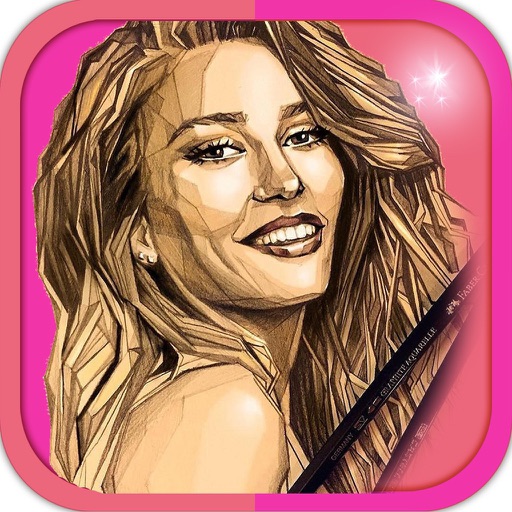
Create sketches from photos or camera captures with "," "Doodle," and "Hatch" styles. Adjust colors for black-white or vibrant results. Save images with a single tap. Share generated sketches directly.
Remove backgrounds from images using AI-powered tools. Edit photos with filters, cropping, and adjustment options. Add text, stickers, and effects. Export in multiple formats and share directly.
Edit photos with filters, effects, and tools. Crop, adjust brightness and colors. Add text and stickers. Share edited photos directly. Enhance images to appear beautiful and lively.
Apply to photos and videos. Create VHS-style retro videos. Choose from a variety of date . Edit media from the device gallery. Subscribe for premium features. Automatically renew subscriptions unless disabled.
Create collages by combining multiple photos using various frame patterns and grid layouts. Apply over 1100 design styles to individual images or collages. Share finished creations directly from the .
Turn photos into cartoon characters with various artistic styles including marker pen, 3D Polaroids, Animal Crossing, chibi illustrations, and animated movie effects. Apply filters, adjust colors, and export edited images.
Edit photos by beautifying faces or replacing backgrounds. Apply filters and adjust images. Duplicate subjects in portraits. Use depth data from dual-camera photos to enhance edits and create -style effects. Export modified images directly.
Create personalized cards with customizable , fonts, and colors. Add icons and stickers for decoration. Choose from romantic backgrounds. Save and share via WhatsApp, social media, SMS, or email.
Edit photos by swapping faces using AI technology. Adjust facial features and apply filters. Copy faces from one image to another. Create realistic or humorous -over effects. Share edited images directly.
Create before-after images by selecting two photos. Automatically arrange them in an optimal layout. Add customizable borders and a professional watermark. Include censor-bars on eyes for privacy. Share the final image directly.
Create twin-style photos by applying mirrored filters and effects to selfies. Swap faces in images and videos. Share edited photos directly to social media platforms. Add captions and stickers for humor.
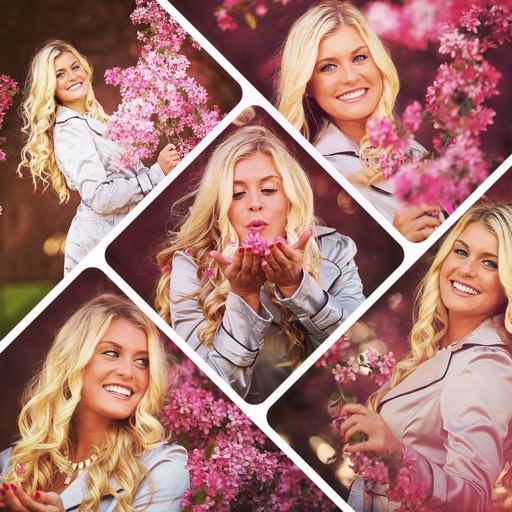
Create collages by selecting multiple photos and arranging them in various layouts. Apply mosaic effects to individual photos for artistic results. Edit images with basic tools and save or share the final output.
Enhance photos with AI-powered upscaling and clarity improvements. Fix blur, sharpen details, and colorize images. Restore old photos and upscale to HD. Export enhanced images in various formats.
Create high-quality wallpapers with customizable effects and manual adjustments. Apply built-in filters for contrast, brightness, and color. Set static wallpapers with high-resolution images. Share wallpapers directly from the .