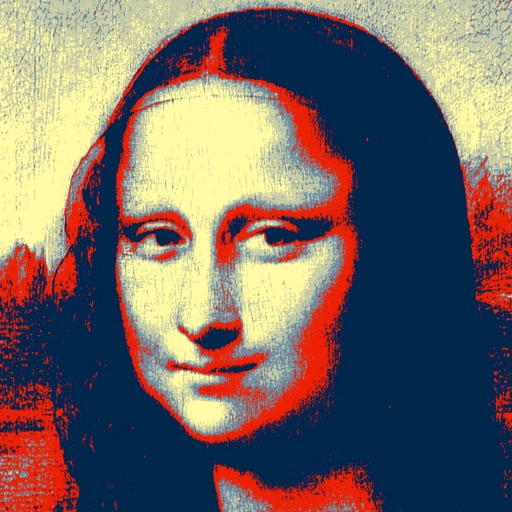
Create long images by automatically stitching horizontal or vertical scrolls. Combine up to 99 photos in waterfall format. Design minimalist postcards with customizable styles. Apply mosaic effects to blur parts of images.
by 芊 彭★ 4.924 ratingsPhoto & VideoFreeData updated 2026-09-11
Combine photos into a single collage with 50+ layout options. Add exclusive stickers, backgrounds, and frames. Adjust layouts, crop, and rotate images. Include text to personalize and share the final design.
Create and share silly photo strips with friends. Capture multiple images in a single session. Apply funny filters and effects. Add text and stickers to images. Share photos via social media or messaging apps.
Apply effects to photos including sepia tone, grain, darkened edges, distressed paper, and faded highlights. Adjust intensity settings and export edited images in various formats.
Edit photos using voice commands to describe desired changes. Animate static images to motion. Test virtual haircuts and styles on photos. Save and share edited images directly.
Create ID photos with customizable sizes and background colors. Adjust face position and proportions. Export in standard formats. Apply one-click editing for professional results.
Edit photos with brightness, saturation, and contrast adjustments. Add text, stickers, and memes. Crop, rotate, and straighten images. Apply effects and frames. Sharpen or blur photos. Import images from the camera roll. Fix red tones.
Practice English speaking and listening with interactive exercises and real-time voice feedback. Unlock levels through games and receive free guidance from native teachers.
Create from personal photos by selecting and cutting images. Export to iMessage, WhatsApp, and Telegram. Customize sticker size and format for different platforms.
Edit photos with AI art style transfer and realistic filters. Add beautiful frames and apply FX or blur effects. Turn portraits into canvases or cartoons with magic effects. Use lens tools for lighting and adjust colors manually.
Edit videos and photos with AI-powered tools. Transform pets into dancers, animate toys, and revive old photos with dynamic effects. Swap faces and apply age-changing filters. Export edited content in various formats.
Edit photos with filters, effects, and AI tools to remove or blur backgrounds. Add stickers, text, and frames. Apply glitch, neon, and drip effects. Adjust colors and crop images. Export and share edited photos directly.
Edit photos with nine customizable filters. Crop and position images. Add multiple lines of text and messages. Save creations to the library. Share directly to Facebook, Twitter, and other platforms.
Capture photos using a simulated disposable interface. Adjust focus manually with a dial. Mimic real mechanics for authentic shooting experience. Save original images with premium upgrade. Automatically save photos. Remove ads with premium upgrade.
Create and edit images with AI-generated effects and styles. Transform photos into artistic visuals with customizable templates. Share edited images directly to social media. Adjust colors, lighting, and effects for professional-quality results.
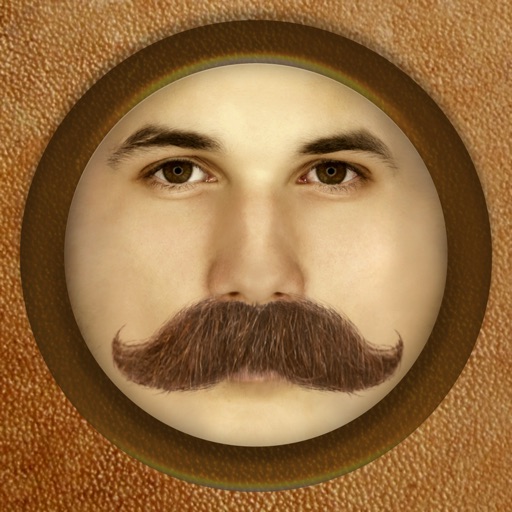
The app adds different types of mustaches to face photos. It automatically adjusts the color and brightness of 16 different mustaches for a realistic result.
Set alarms for minyan and . Choose or record custom ringtone sounds. Test notifications to confirm setup. Enable repeat alarms and remove ads for a premium experience.
The app transforms user photos into watercolor and ink illustrations. Users can save and share their creations through various social media and messaging platforms.
Turn selfies into anime characters or figures using AI. Apply fun filters and styles. Reimagine pets as humans or create collectible action figures. Edit and share transformed images directly.