Apps Like Cut & paste for edit stickers for iPhone and iPad
Photos, create montages, swap faces
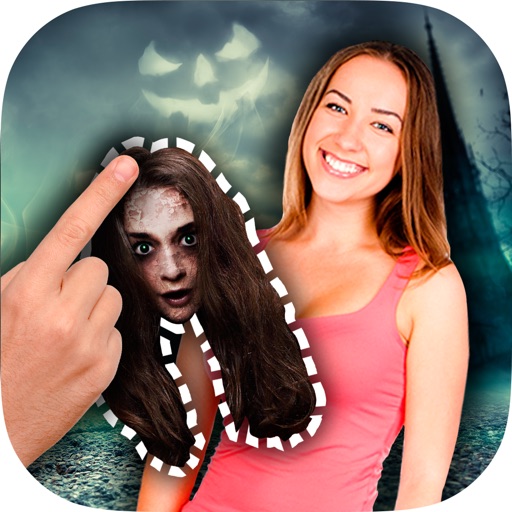
Create photo montages, collages, and custom . images by erasing, changing, or adding backgrounds. Cut people from photos and them onto new images. Decorate with personal photos and fun .
Edit photos by selecting and removing unwanted elements such as people, objects, trash, pimples, lines, or other unwanted content. Retouch images to improve appearance. Save and share edited photos.
Create personalized by adding your own images. Choose from a variety of to design collages. Decorate and customize photos with available templates. Share finished collages with friends and family.
Create collages by combining photos, adding stickers, and applying effects. Choose from multiple layouts and templates. Edit images with cropping and filters. Share finished collages directly to social media.
Edit images to remove backgrounds and create transparent images. Use zoom for precise edits. Cut out objects and save as stickers. Export for use in presentations, documents, and image editors.
Merge photos into artistic compositions by selectively editing and combining image elements. Remove or re-add parts using finger painting techniques. Adjust brush settings for precise control.
The app offers tools for photo editing, including frames, layouts, and effects. Users can adjust color balance, brightness, contrast, and saturation, and apply sharpening or blurring.
Create collages with layouts, filters, and stickers
Create collages using 300+ layouts and customize shapes and aspect ratios. Apply 200+ filters, add stickers, HD backgrounds, text with stylish fonts, doodles, and quotes. Share collages directly to Instagram and other social media platforms.
Create collages by selecting photos and applying various . Choose from different frame styles to customize the layout. Adjust image positions and sizes. Save and share the final .
Edit photos with advanced filters, lighting adjustments, and blur. Add text, stickers, and effects. Crop, rotate, and enhance details. Export in various formats and share directly.
Edit images with brightness, contrast, and other adjustment tools. Import photos and place them in customizable Story templates. Create gradients and use the dropper tool to match colors. Share edited content directly to Instagram .
The app joins photos vertically, horizontally, or in 2D by blending or abutting them. Users can edit individual photos or the blend output in the image editor, supporting up to 16 photos.
Remove backgrounds from photos using automatic eraser with machine learning. Identify and isolate people, animals, vehicles, and objects. Erase single-color backgrounds for chroma key effects. Manually adjust erased areas for precision.
Remove unwanted objects from photos by deleting people, logos, watermarks, or text. Use intelligent fill to replace removed areas with appropriate background textures. Edit images directly in the and save the modified versions.
Edit photos and videos with filters, cropping, and background erasing. Create collages by combining multiple images and videos. Add text, stickers, drawings, and textures. Save edited content and plan social media posts.
Create freestyle collages with customizable layouts and postcard templates. Edit with advanced tools, apply multiple effects, and use beauty editing for men and women. Add stickers, labels, and export high-resolution images.
Allows trimming, cutting, and adding effects to videos. Collage lets arrange multiple photos into grids or layouts. Slideshow creates timed photo presentations with music. Photo offers filters, cropping, and text tools.