

Apps Like Drawing Pad - apps for Drawing for iPhone and iPad
Draw with pencil, brush, and marker
Draw with pencil, brush, eraser, marker, and pen. Customize brushes with texture and fill colors using a bucket tool. Add text and shapes to drawings. Change backgrounds with color, texture, or images. Use grid for guidance and mirror for faster .
Drawing Pad - apps for Drawing screenshots
Ranked alternatives
Showing 141–160 of 1,000 ranked alternatives.

Drawing Box
Yongjie HU
Paint and share your artwork
Create and animate drawings with a variety of painting tools and brushes. Record and share artwork as videos. Use a whiteboard for tutorials and pitch recordings. Access symmetry and guides for precision. Export creations in multiple formats.

Anime Maker
Kentaro Matsumae
Create flipbook animations and share them online
Create flipbook animations using touch drawing and various brush colors. Edit frames with undo/redo, eraser, and fill tools. Adjust animation speed and manage frames. Save animations and upload to a website. Post comments on published animations.

AnimeMaker Pro
Kentaro Matsumae
Create and share flipbook animations easily.
The app allows users to create flipbook-style animations using touch drawing tools. Users can adjust brush width and color, manage animation frames, and save their creations.

Draw Happy Master!
New Story Inc.
To make him
Solve puzzles by drawing shapes to complete levels. Adjust line thickness and color. Earn stars for completing challenges. Unlock new characters and themes. Share achievements on social media.
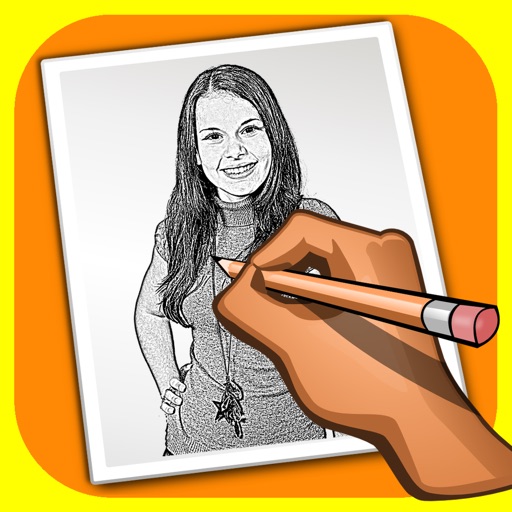
Sketch Shine - pencil drawing
Alexander Dr. Rieger
Turn photos into pencil drawings.
The app transforms user photos into pencil drawings with a sketch shine effect. Users can apply this filter to images captured with the device's camera.
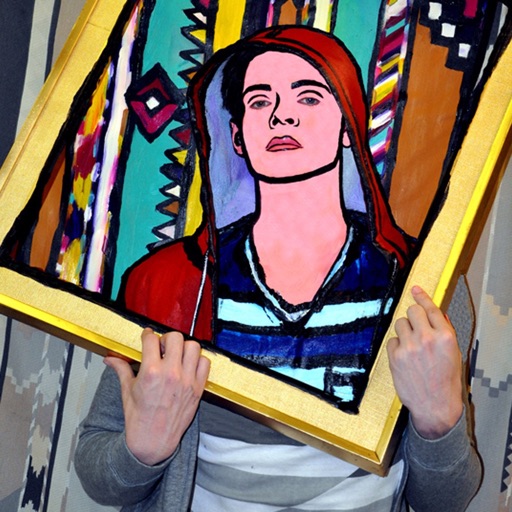
Draw on a photo
Mireia Lluch Ortola
, edit, and share photos
Edit photos by drawing on them with adjustable brush sizes and color choices. Use an erase tool and undo/redo functions for precision. Save edited images for later changes or share them directly on social networks.

Graphic for iPad
Picta, Inc
Edit vector graphics on the go
Create detailed technical illustrations and artistic designs with vector editing tools. Draw, reshape, and color elements with precision. Import and export files in multiple formats. Use layers, masks, and effects for advanced design work.

Glow Drawings
FBF Sistemas LTDA
Paint and save to your library
Create by tapping colors and painting with your finger. Save artwork to the photo library. No additional features mentioned.

Dance of Lines
Masoud Firouzi
Draw between points to create shapes
Create drawings by connecting points on the screen to form shapes. Adjust line thickness and color. Save and share completed drawings. Export in various file formats.

Inspire Pro
snowCanoe
Powerful drawing and painting for iPad.
The app offers a fast and realistic painting, drawing, and sketching experience. Its painting engine utilizes the GPU for brush strokes with 64-bit color and sub-pixel precision.

Sprite Pencil
256 Arts Inc.
Draw, edit, and share pixel art
Create pixel art sprites with drawing tools and a powerful engine. Open and edit pixel art files from Files. Use iCloud Drive for cloud storage. Support Apple for precise input. Import and customize color palettes.

Art Tracer: Photo To Drawing
VOLIO VIET NAM COMPANY LIMITED
Convert photos to drawings with AR
Use AR camera to trace and sketch projected lines onto paper. Draw over real-world objects with digital ink. Save and share artwork directly. Adjust line thickness and color. Export drawings in multiple formats.

Drawize - Draw and Guess
Lomboos d.o.o
And with custom avatars
Create custom avatars and choose from multiple game modes including drawing, guessing, and playing with friends. Participate in daily challenges to compete globally and earn coins by guessing others' drawings.
Draw for iPad Lite, Blackboard
Patrick UNG
And share your creations
On an with multiple colors and add typed text to illustrations. Erase or delete drawings. Choose background colors for the . Save creations and share via email or Facebook. Additional markers and backgrounds available in the complete version.

How we rank alternatives
Apps are ranked by functional similarity, category fit, rating confidence, and popularity.