
Dry Erase Board
John Rouda
Draw, wipe, and draw again.
The app provides a digital whiteboard experience for drawing and sketching. It offers multiple marker colors and tip sizes, with undo/redo functionality and the ability to save drawings.

Draw with pencil, brush, and marker
Draw with pencil, brush, eraser, marker, and pen. Customize brushes with texture and fill colors using a bucket tool. Add text and shapes to drawings. Change backgrounds with color, texture, or images. Use grid for guidance and mirror for faster .
Showing 241–260 of 1,000 ranked alternatives.
John Rouda
Draw, wipe, and draw again.
The app provides a digital whiteboard experience for drawing and sketching. It offers multiple marker colors and tip sizes, with undo/redo functionality and the ability to save drawings.


Pixiv Inc.
Draw freely with customizable brushes and cloud
Create illustrations with a spacious canvas and customizable screen settings for iPad users. Use a wide range of brushes and tools for detailed drawing. Save work automatically to the cloud and adjust panels for comfort and efficiency.


Instant Store
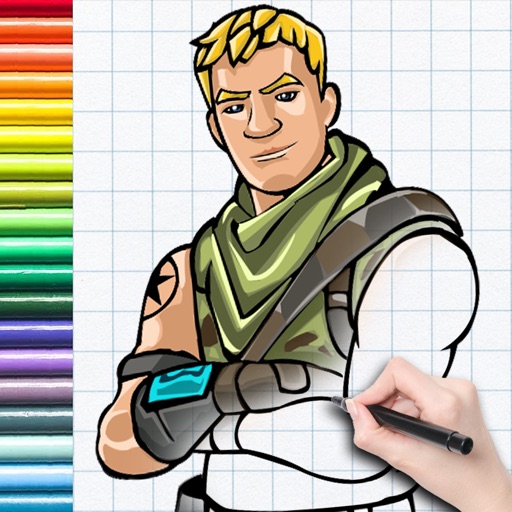
Add to your drawings
Create artwork by adding crayon-inspired to drawings. Choose from vibrant, colorful designs to enhance creations. Save and share finished projects. Explore playful characters and whimsical scenes for creative expression.
Voxeloid Kft.
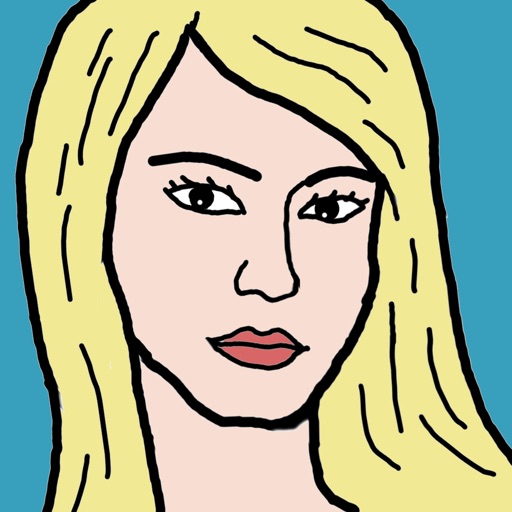
Portraits, share selfies, view art
Take a selfie and submit it for others to portraits. Browse community artwork including masterpieces, doodles, and caricatures. Use GPU-accelerated tools with various brushes for drawing.
linkedPIXEL
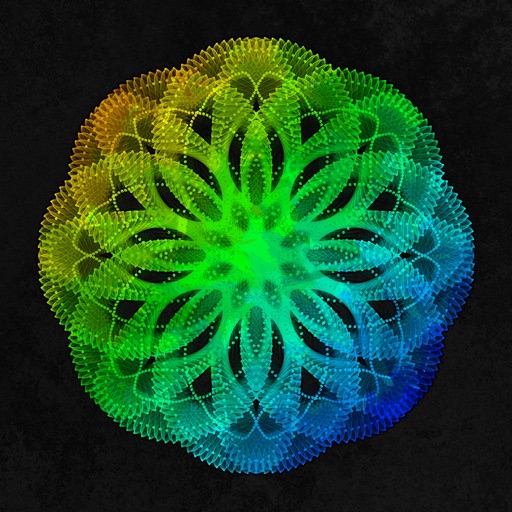
Create art with effects and brushes
Create colorful designs using art effects with 48 unique brushes and 48 shapes across six categories. Use symmetry and inverse drawing modes for creative effects. Apply dynamic textures and -off particles for realistic results.

Brandon Stecklein
Create art with many colors.
The app provides a blank canvas and over 40 colors for finger painting. Users can select pen sizes, use a flood fill tool, or clear the canvas.


Andrew Kern
Sketch anywhere, draw anytime
Sketch directly on the screen with pressure-sensitive tools. Adjust brush size and opacity. Rotate, resize, and move drawings. Save and share artwork in various formats. Export as vector or raster files.

Clayton Kashuba
Draw poses, learn anatomy, refine details
Draw a in any pose with poseable figure tools. Adjust limbs and joints for custom positions. Use skins to enhance detail and realism. Change camera angles and zoom. Select from various backgrounds and platforms.


Joao Victor Flores da Costa
Edit photos and add stickers
Edit photos with filters, contrast, brightness, and color adjustments. Add text, stickers, and drawing tools. Customize images and landscapes. Export in high quality. Access a free image library. Apply advanced editing features.

PLUS INFOSYS
Draw letters, practice, share
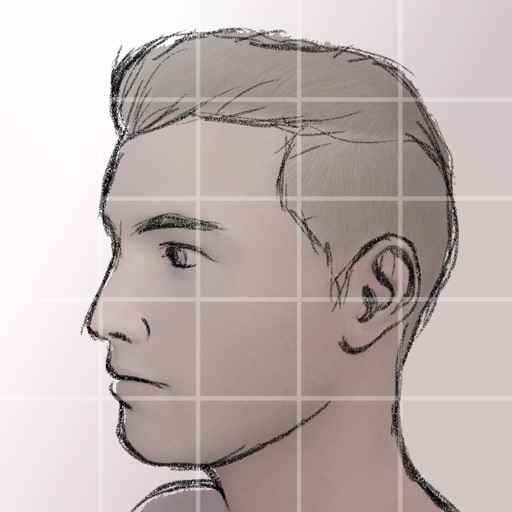
Kids learn through step-by-step that guide them to trace alphabets. Includes a side-by-side for practice. Features 26 lessons focused on creating drawings from letters. Allows sharing of completed drawings friends.
Laan Consulting Corp
Choose who does the task.
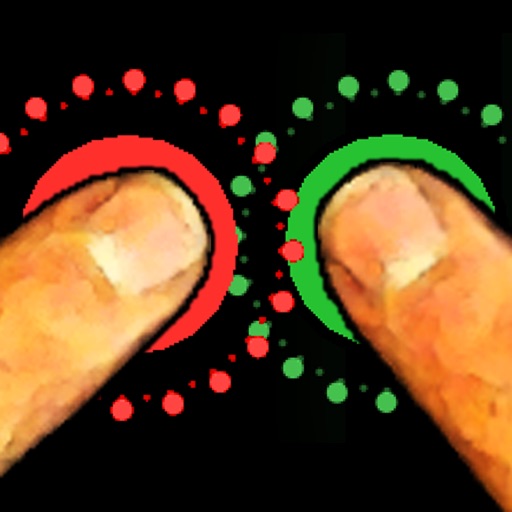
The app allows friends to place fingers on the screen, and it selects one. It can be used for making decisions such as assigning chores or choosing a dining location.
Apps are ranked by functional similarity, category fit, rating confidence, and popularity.