Resize images with adjustable dimensions and resolution settings. Crop, rotate, and flip photos. Add text, borders, and effects. Save and share edited images directly. Supports multiple file formats and integrates with social media platforms.
Create collages using hundreds of templates, layouts, and design options. Add effects, text, and stickers to photos. Share finished projects directly to social media accounts. Edit images with cropping, filters, and adjustments.
Edit photos by flipping or mirroring with a finger swipe. Resize images using the same gesture. Create mirrored copies next to original photos. Save and share edited images directly.
Save from the web to the camera roll. Edit by adjusting speed, background, and filters. Crop, scale, and convert to video. Share to or save to the camera roll. Open edited in video editing apps.
Edit photos by flipping, rotating, cropping, and applying filters. Use AI to suggest optimal filters. Flip images live during camera use. Batch edit multiple photos and save directly to the library.
Take and ID photos using a mobile device. Automatically adjust images to meet country-specific requirements. Manually crop and resize photos for precise formatting. Save and share edited photos directly.
Convert videos or photos to GIF and vice versa. Edit GIFs by adjusting frame speed, resizing, cropping, and applying transformations. Export in high quality without watermarks.
Crop and rotate images into various shapes. Add text, arrows, and shapes for annotations. Pixelate sections or draw freehand. Share edited photos directly with contacts.
Compress videos, images, and audio files to without quality loss. Choose from multiple quality settings. Supports MP4, MOV, AVI, MKV, and HEV formats. Export compressed files directly to device or cloud.
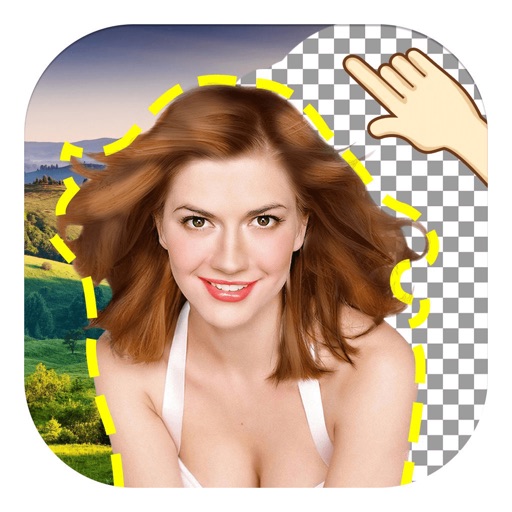
The app allows users to remove and edit backgrounds of pictures. It offers smart and manual cutout tools, with options to move, zoom, rotate, and crop images.