Convert images and selfies into - illustrations using AI. Choose from various artistic styles including classic and modern digital art. Adjust poses and facial expressions for personalized results. Export and share the generated artwork.
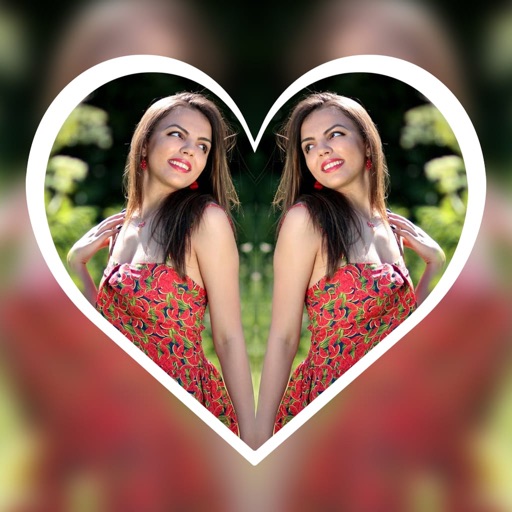
Create reflection effects with left-right, up-down, or repeat options. Apply effects and designer frames to enhanced images. Select from gallery or capture new photos for editing. Export and share edited images.
And multiple images at once. Mirror selfies and correct photo orientation. Support for JPG, PNG, HEIC, WebP, and other formats. Preserves image quality during edits. No complex features required.
Edit photos with -themed overlays and templates. Use erase, flip, zoom, rotate, and move tools. Apply fancy crop options. Export high-quality HD images.
Resize images by adjusting height or width while maintaining aspect ratio. Compress files to reduce size. Save to camera roll, Files , or share via email, printer, and other native options.
The app allows users to crop photos into a square shape for posting on Instagram. It supports both landscape and portrait orientations and offers various background options and effects.
Add , captions, and artwork to . Select from curated background options. Choose images from device storage or camera. Adjust size, position, and style. Save and share edited directly.
Resize and crop photos by setting custom vertical and horizontal ratios. Select and trim multiple images with swipe gestures. Adjust photos in two modes: proportional cropping or adding color margins to fill missing areas.
File Slimmer identifies and filters duplicate media files, retaining the versions. Users can mark files for retention and clean up duplicates with one click.
Edit photos with filters, effects, and adjustments. Add text with multiple fonts, colors, and effects. Overlay text or add captions and 3D text. Include stickers, artwork, and frames. Create collages and personalize cards with photos.
Edit photos with filters, , and cropping tools. Add text, stickers, and borders. Adjust brightness, contrast, and saturation. Export in various formats and share directly.
Convert images to PDF by selecting and arranging photos from your gallery. Crop and rotate images before conversion. Combine multiple images into a single PDF. Save, share, or print the resulting file.