

Apps Like Griddy Pro: Split Pic in Grids for iPhone and iPad
Post photos in square
Photos into customizable grid layouts with up to 10 rows. Post to Instagram directly. Adjust grid presets and share images in larger, organized formats.
Griddy Pro: Split Pic in Grids screenshots
Ranked alternatives
Showing 341–360 of 1,000 ranked alternatives.
Instant Border for Instagram to make no crop photo
Golden Soft Co., Ltd.
Add and adjust blur settings
Create square images for by blurring the , repeating the original image, or filling with a chosen color. Adjust borders to fit entire photos without cropping. Apply effects directly within the .

Camera + Photo Editor
Nick Culbertson
Share photos with effects and frames
Edit photos with multiple props, frames, and effects. Apply presets and overlays. Capture photos in portrait, landscape, or square orientation. Share images directly to social media. Supports iPad, iPhone, and iPod Touch.

MIX2 Portrait Master
PinGuo Technology (HK) Co., Limited
Edit portraits with AI skin retouching
Edit portraits with advanced skin retouching tools. Adjust 13 skin parameters for smooth, glowing results. Remove eye bags, crow's feet, and oils with one tap. Eliminate blemishes, freckles, and acne at the pixel level.



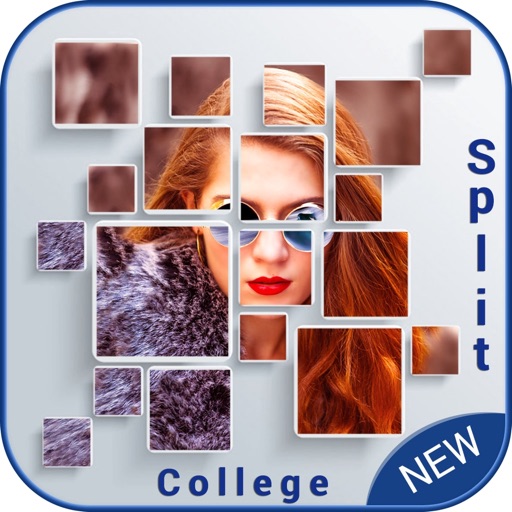
Split Collage Maker
Manani Jyotiben
Create collages with filters and stickers
Create collages by selecting multiple photos and choosing from various layouts. Apply filters, add stickers, and include text to edit the . Generate 3D collages with different frames for a realistic 3D effect. Share the final directly.



No Crop for Insta Story
Mahendrasinh Gohil
Post photos in full size with vibrant
Post images without cropping for Instagram Stories. Choose from vibrant background colors, adjustable blur, and various patterns. Adjust background opacity and fit photos in any orientation. Share directly to Stories without edits.

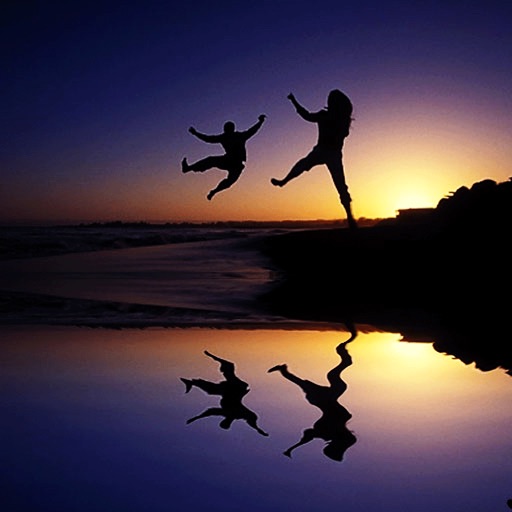
Water Photo Reflection for Tumblr,MSN,IG,FB,PS,KIK,POF
Wilson Tjoa
Animated water magic in photos.
The app allows users to create animated water reflections in photos. Users can post these creations as videos to social media platforms.
How we rank alternatives
Apps are ranked by functional similarity, category fit, rating confidence, and popularity.