Apps Like Design Camera - Art Frames for iPhone and iPad
Frame photos with unique layouts and effects
Create creative photos using unique and layouts. Apply effects like blurring and rain. Share finished edits via social media. Add photos to and adjust layouts.
by Appextreme, Inc.★ 4.824 ratingsPhoto & VideoFreeData updated 2026-09-11
Edit photos with color and film filters, vintage textures, and light leak effects. Adjust brightness, contrast, and saturation. Add vignettes and analog film sensations. Export edited images in various formats.
Edit photos with and vintage effects like lights, Miami Filter, and UV. Apply gradient map-based for night lighting. Create abstract designs with colored glass effects. Adjust brightness, contrast, and color balance.
Edit photos with motion , bokeh lens, and mosaic effects. Adjust brightness, contrast, and color. Crop images to various sizes. Share edited photos directly. Apply to the entire image, background, or specific faces.
Capture photos and videos with customizable PIP frames. Apply foreground filters and background effects like blur, zoom, and comics. Add motion effects such as fire and snow. Create PIP videos or GIFs and share directly.
Edit photos by blurring backgrounds, faces, or specific subjects. Apply various effects and filters. Save edited images to the camera roll or share them directly.
Simulate photography with a variety of classic cameras including instant, CCD, disposable, toy, and slide projectors. Apply -like effects and filters. Capture photos with randomized outcomes. Share images directly or export in multiple formats.
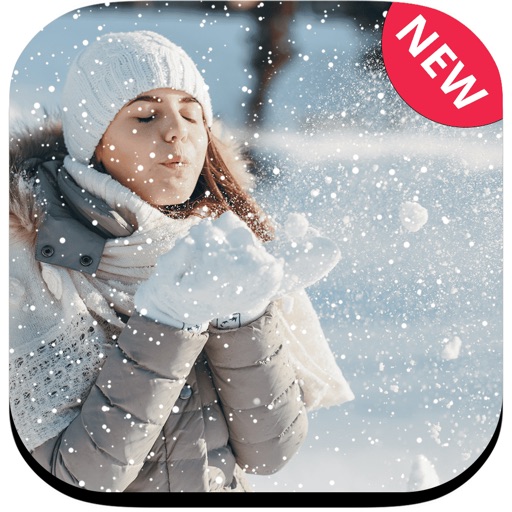
Edit photos with -themed including Santa Claus, reindeer, ice castle, and snowman. Add holiday decorations and text. Share edited images directly or save as cards.
Create realistic instant photo effects with customizable backgrounds, fonts, and filters. Add text, stickers, and light leak effects. Design greeting cards, posters, and social media content. Enhance photos with adjustable filters and effects.
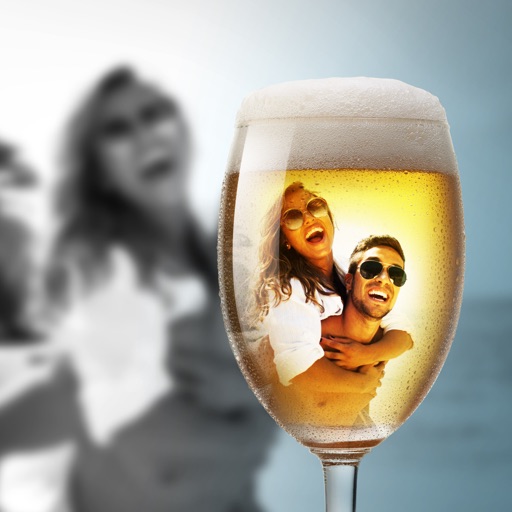
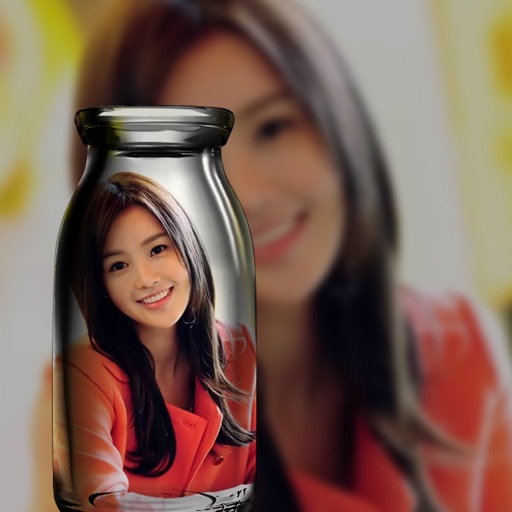
Blur image backgrounds to create effects. Select photos from gallery or capture new images. Apply multiple blurring tools to adjust blur intensity. Export edited photos to device storage.
Create self-portraits with sketch and artistic effects. Apply filters like sketch, painting, and pixelate. Save photos to the library or share on social media platforms. Print images directly.
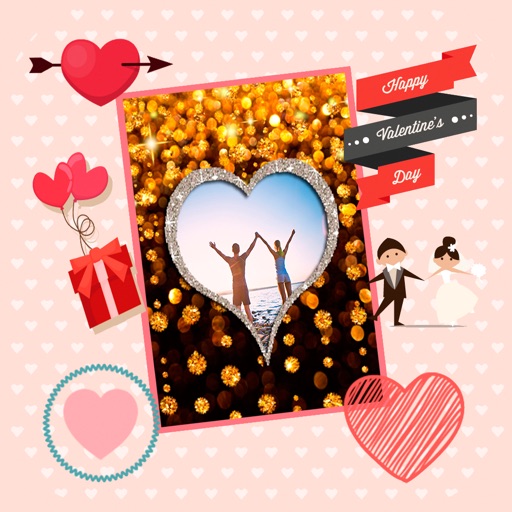
Create by selecting from various and adding photos from the gallery or camera. Adjust photos with zoom, rotate, and move gestures. Save and share customized greeting through social networks.
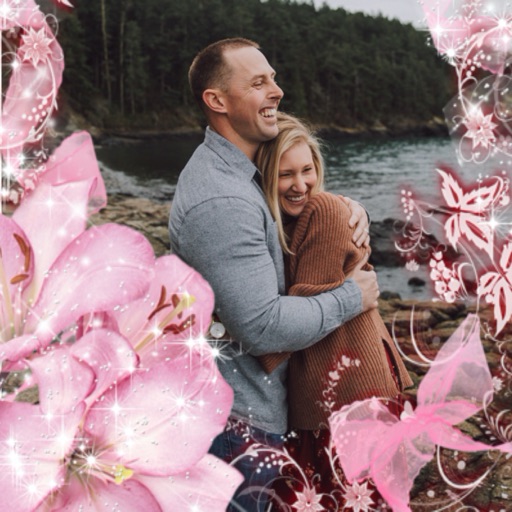
Edit photos by selecting frames in square or portrait format. Reposition, resize, and crop images within the . Customize appearance and apply filters. Preview final edits and save to photo library.
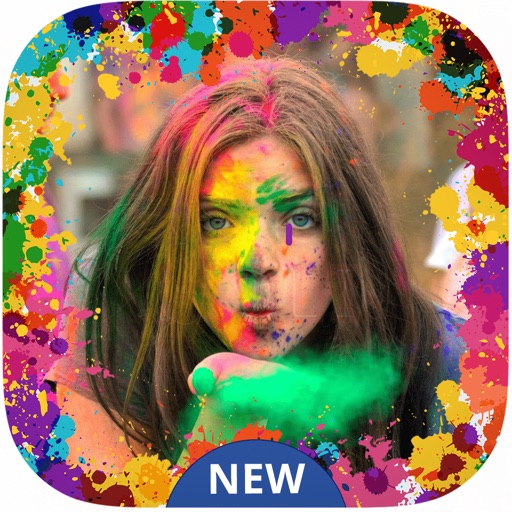
Select a or take a new one with the camera. Choose from over 30 colorful to decorate images. Apply different frame styles and designs. Save edited photos to the gallery and share them on social media.
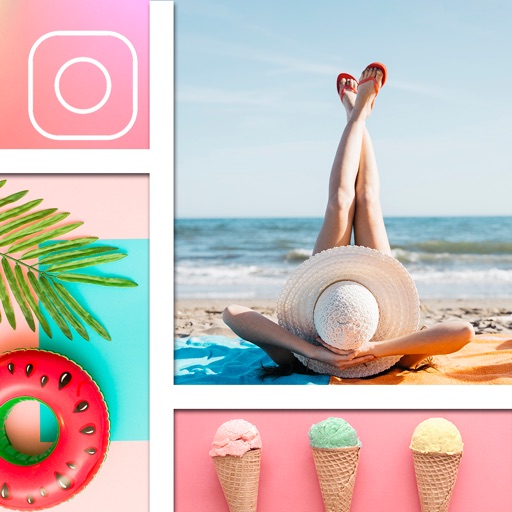
Create festive photos with 2D and 3D -themed . Add color particles and animated effects to images. Share edited photos directly to social media. Apply pre-designed collage templates. Adjust frame size and position for custom layouts.