Adjust audio output with a built-in volume for louder, clearer . Control levels to enhance music quality. Use for headphones or speakers. Boost for parties or personal listening.
Loop sections of songs for targeted practice. Adjust pitch and tempo in real time. Change pitch up or down by semitones. Sync with devices for playback.
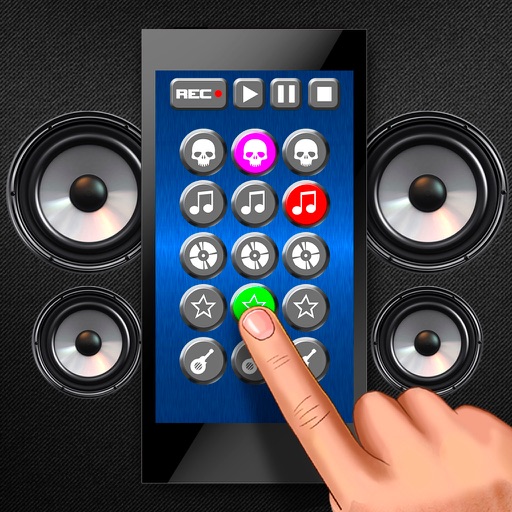
Play sound effects with customizable buttons and high-quality audio. Select from , laughs, animal , alarms, and weapon noises. Share directly or record and edit audio clips. Annoy friends or pets with interactive sound options.
Create and edit musical scores using Apple Pencil, finger, or stylus. Organize compositions in folders. Use templates or import custom paper. Share or print scores as PDF. Copy and paste sections for editing.
Play chords and melodies using a tactile keyboard interface. Hold buttons and swipe or tap to create sounds. Access chords and notes via a grid for precise selection. Adjust pitch, harmonize, and apply real-time audio effects.
Create and edit music with an 8-track sequencer, record loops and melodies, and control instruments in real-time. Use a flexible mixer with DSP effects. Edit tracks via step sequencer and automation.
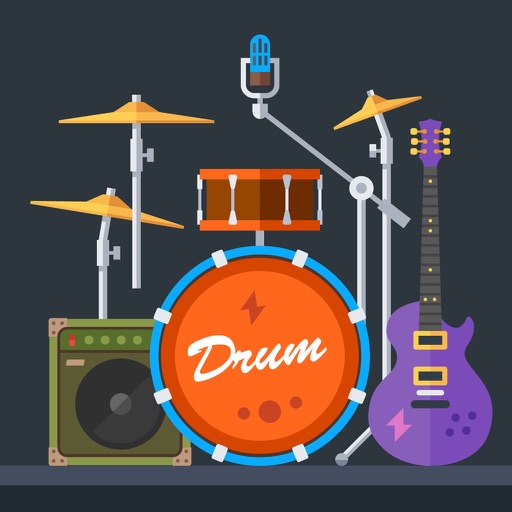
The app provides over 36 individual sounds and more than 43 drum loops. Users can create combinations of sounds and loops, and play drum sounds live on their iOS device.
Stream music from independent artists. Search and play songs, create playlists, and follow artists. Share tracks via social media. Sync with devices and manage playback settings.