Measure horizontal and vertical angles with precision. Set reference points and receive haptic feedback for alignment. Mark reference points and adjust settings for accurate measurements.
by Mert TUZER★ 4.625 ratingsUtilitiesFreeData updated 2026-09-11
Measure light and color for accurate exposure settings. Use a zoomable spotmeter, RGB waveform monitor, and false-color preview. Attach Lenny Hat or Lumu™ Lite for incident readings with lux and foot-candle displays.
Calculate angles for cross braces and table x bracing. Input width, height, and board dimensions. Choose board orientation. Display angles for board ends and intersections. Support imperial and metric units. Provide board length requirements.
The app measures relative angles and rotation using the gyroscope sensor. It offers five unit modes, background or foreground display rotation, and fine calibration of the gyrometer.
Measure device responsiveness by recording video of button presses and screen responses. Mark input and output times with frame-accurate scrubbing. Display the latency difference in milliseconds.
Distances, areas, perimeters, angles, and circle parameters using photos. Define measurement planes in 3D space. Adjust for non-parallel planes. Export measurement data. Share results directly.
Edit files including TXT, RTF, RTFD, HTML, XML, and markdown. View and modify formatting details like font, size, color, and alignment. Preview HTML and markdown in real time. Access files from device storage or cloud services.
Get accurate GPS and latitude longitude instantly. Display in multiple formats including DMS, UTM, and MGRS. Convert between coordinate systems. Share precise location data directly.
Spot On Ballistic Match Technology provides precise aiming points for BDC reticle riflescopes. It offers instant reference for sighting in other riflescopes using plex, MilDot, or standard crosshair reticles.
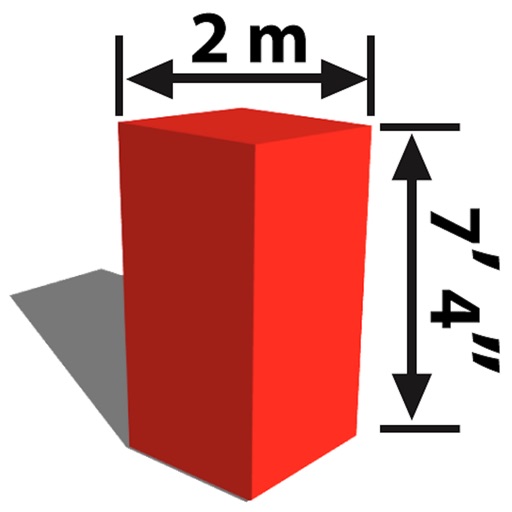
The app allows users to mark dimensions directly on photos or sketches. It helps users visualize if objects will fit in spaces, such as furniture in a room or a TV in a cabinet.
Let users decide outcomes through random selection. Tap the screen to participate, receive haptic feedback, and see one finger light up to determine the result. Choose between predefined options or custom inputs.
Capture building dimensions and areas by taking a single photo. Measure walls, roofs, windows, and doors accurately. Export measurements and save project data for future reference.
The app allows users to take photos and add dimensions, angles, and text comments directly onto the images. Users can zoom for precision, organize photos by category, and export dimensions in high resolution via email or to the photo library.
Calculate standard deviation, probable error, and error of the mean for surveying and civil measurements. Switch between imperial and metric units. Perform calculations for series of observations and single or combined accidental errors.
Create haptic feedback for apps using SwiftUI and UIKit. custom haptics with real-time previews. Generate code for integration. Add micro- to enhance user engagement.