Create and customize boards by adding or removing players and adjusting their details. Set player photos, names, numbers, and positions. Choose coat colors and use a drawing tool with adjustable line thickness and color. Save and share screenshots.
The app provides multiple calculators in one. It includes scientific, algebraic, and logic functions with conversion tools for various units and memory registers.
Create and edit PDF documents by adding text, notes, and drawings. Import images and PDFs from the file . Convert photos to PDF, duplicate, rename, and password protect files. Rearrange pages, search within PDFs, and share as PDF or image.
Navigate with turn-by-turn instructions and real-time guidance. Choose routes for car, motorbike, bicycle, or walking. Add way-points for optimized paths. Locate nearby hotels, restaurants, hospitals, and ATMs .
Browse web with true tabbed browsing for fast and intuitive navigation. Open bookmarks and folders directly from tabs. Switch between active tabs instantly. Use compact mode to maximize screen space. Access bookmarks and folders integrated into tabs.
Files, delete duplicates, clear events, record memories
Phone storage by removing redundant files with one-tap cleaning. Delete duplicates and similar files to free up space. Clear calendar events and use time capsule features to save memorable moments.
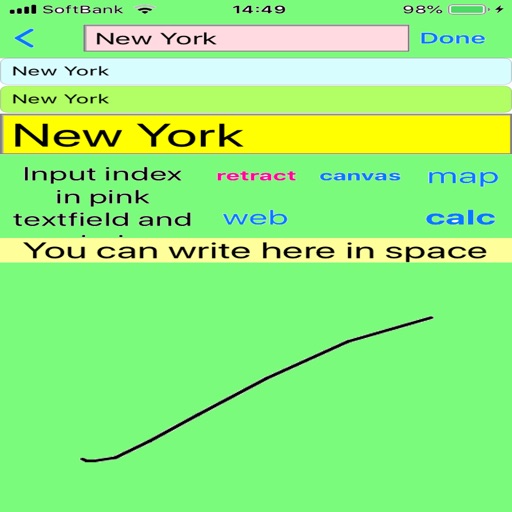
Write notes with a stylus pen for natural handwriting. Organize notes into categories like projects or courses. Search for notes by keywords or tags. Sync notes across devices.
Helps users retain information through spaced repetition. Allows setting intervals and tracking progress. Supports multiple subjects and custom flashcards. Provides reminders and statistics on learning efficiency.
Memorize text by copying and saving it into a list. View first characters of each word to aid recall. Peek at the full text when needed. Organize items for access. Track progress through repeated viewing and review sessions.