Access remote desktops and control Windows sessions
Access remote Windows desktops via RDP. Control and view desktops on iPhone, iPad, or iPod Touch. Supports all Windows versions with Terminal Services. Connect to Windows Terminal Services and Remote Desktop Services.
Display large text on the screen for visibility. Type and hold the device to show messages. Use for alerting others, such as indicating a gas tank is open or communicating across distances.
Turn your iPhone or iPad into a Mac with gesture support. Use multi-touch gestures for scrolling, clicking, and navigating. Customize sensitivity and button layout. Works with macOS and iOS devices.
Appearance with themes and colors. Adjust effects and layout. Change key shapes and add stickers. Share custom designs with others. Apply themes to multiple devices.
The app allows users to place unlimited docks on their desktop for files, folders, and applications. Users can customize dock positioning, visibility, and labeling for faster launching.
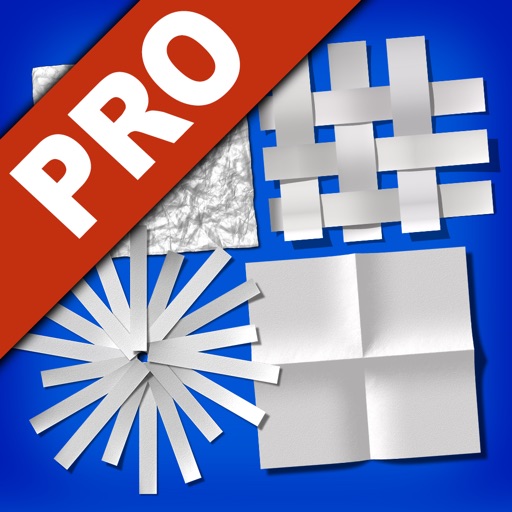
Edit photos by transforming them into creative paper formations with 3D light effects for detailed shadows. Fragment, join, weave, rip, and fold images with realistic creases and bends. Use one-touch presets or randomize for varied effects.