Create sheet music with intuitive notation tools. Add notes, rests, and dynamics. Adjust tempo and key. Save and export scores. Share files directly. Sync with music lessons and rehearsals.
Edit and remix music by separating tracks like vocals, drums, and guitar. Add MIDI instruments and apply audio effects. Use AI chord detection and a smart metronome. Remove vocals or isolate instruments from any song.
Practice rhythms and compose music with customizable patterns and notation. Track practice sessions and set goals. Schedule rehearsals and manage setlists. Export and print sheet music. Collaborate with other musicians in real time.
Create and edit musical scores with tablature and notation. Add chord diagrams and guitar effects. Play back scores with built-in audio. Share and export files in multiple formats. Sync with digital audio workstations.
The app teaches note recognition and sight-reading skills through a musical game. It features an animated character and adjustable difficulty for players of all ages and skill levels.
Create sheet music with tools for note entry, rhythm input, and score formatting. Adjust tempo and key settings. Export as PDF or image. Share directly or print for lessons and performances.
Create and explore drum sounds using algorithms. Generate unique sets of 12 drums with 8-character codes. Save, copy, or paste codes for later use. Access sounds via AUv3 and Audiobus.
With dual keyboards and adjustable octave and size. View sheet music on iPad while playing. Use metronome with adjustable tempo and volume. Record performances. Adjust note range.
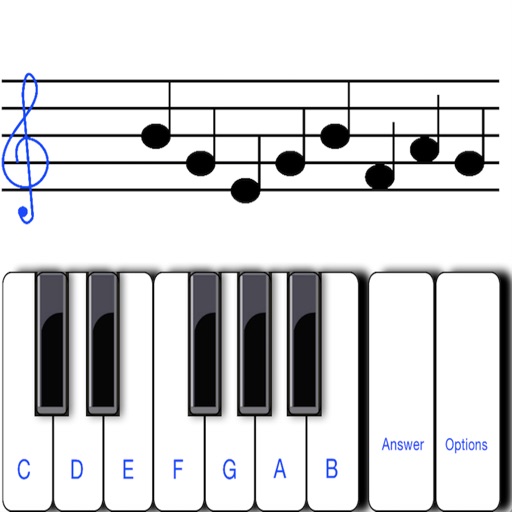
To sight notes in G and F clefs. Practice notes across six octaves, including those above and below the staff. Randomly generated notes apply to any instrument. Switch clefs for varied practice. Beginners can limit octaves and set their pace.
Train musical skills with interval, chord, and progression recognition exercises. Customize training sessions. Set practice goals and track progress. Receive instant feedback on answers. Export results for review. Sync progress across devices.
Play the oud instrument with realistic acoustic sound. Access scales and notes for practice. Record and share music on social media. Use a piano interface with oud sounds. Manage audio files and engage with interactive features.
Create rhythmic patterns with triplets, dotted notes, and custom time signatures. Set subdivisions per beat. Save setups in setlists. Use Coach and Automator modes for timing practice. Adjust tempo and display options. Export patterns for later use.
Create and edit sheet music with tools for note input, staff customization, and score organization. Export as PDF or MIDI. Share scores directly or sync with music notation software.
Create guitar riffs by selecting preset musical styles and tapping "Create". Listen to and save the generated riff as tablature. Customize settings to adjust and refine the riff further.