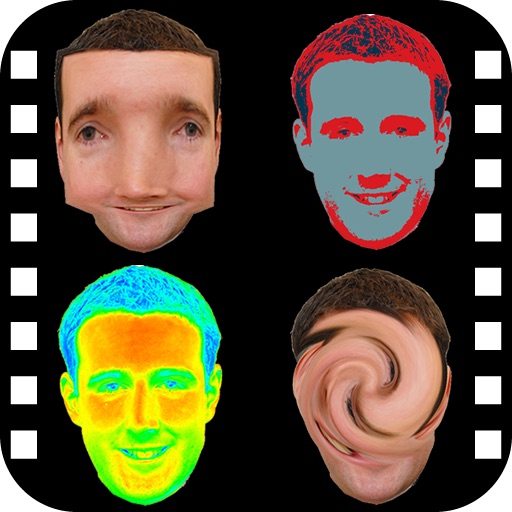
Show information from images on your device. Import photos from the Photos or Adobe Creative Cloud with an Adobe account. Use the iOS extension to access images in Photos and other sharing apps. Pan, pinch, and zoom to view RGB values.
Manage files on iOS devices with local or cloud storage. Transfer files via WiFi using drag and drop from web browsers or managers. Access multiple cloud accounts in one . View, download, and upload files directly.
Apply effects to photos. Share edited images on Facebook, Twitter, WhatsApp, and Instagram. Adjust settings to customize the appearance. Save and export modified photos.
Edit photos with advanced tools like layers, masks, and adjustment brushes. Crop, rotate, and resize images. Add text, stickers, and special effects. Export in various formats and share directly.
Control computer applications with touchpad gestures and keyboard input. Send application notifications and manage passwords. Use modifier keys and foreign language keyboards. Enable on-screen typing and keyboard functions.
And undo in images using AI. Compare edited and original versions. View images in a single interface for detailed analysis. Change hairstyles and add layers. Add emotional expressions to images. No ads. Requires a face in the .
Edit photos with a wide range of effects, from basic adjustments to advanced graphic transformations. Repaint images using various brushes and import Photoshop brushes. Share edited photos on Instagram with the # tag.
Edit videos with limitless layers, groups, and precise timeline control. Use motion tracking, keyframe animation, masking, and color correction tools. Render quickly with advanced audio reactor for real-time audio visualization and effects.
Edit photos with cropping, rotating, and filter adjustments. Retouch selfies and enhance lighting. Share to Facebook, Instagram, and IG stories. Save custom filter recipes. Batch edit multiple photos. Use + to stack filters and adjust strength.