Blur faces automatically using facial recognition. Add blur, solid color, or emoji to hide faces. Resize and reshape blur regions. Adjust color and effects. Share edited images to photo library and other apps.
by Digitalt Hjarta AB★ 4.468 ratingsPhoto & Video$1.99Data updated 2026-09-11
Edit photos and videos with move, rotate, scale, flip, and custom adjustments. Apply unique filters, effects, borders, and frames. Add text and stickers. Share full-size content directly to and other social platforms without cropping.
Capture high-resolution close-up photos of your eye without a special . Use AI to identify the iris and remove blur, reflections, and noise. View detailed textures and true colors of your eye. Share the resulting image directly.
Edit photos with AI-powered clarity enhancement, blur reduction, and detail sharpening. Restore old images by removing scratches and colorizing faded areas. rtistic variations with different styles and filters.
Edit photos with layers, filters, and brushes. Adjust brightness, contrast, and color. Add text and stickers. Export in multiple formats and share directly.
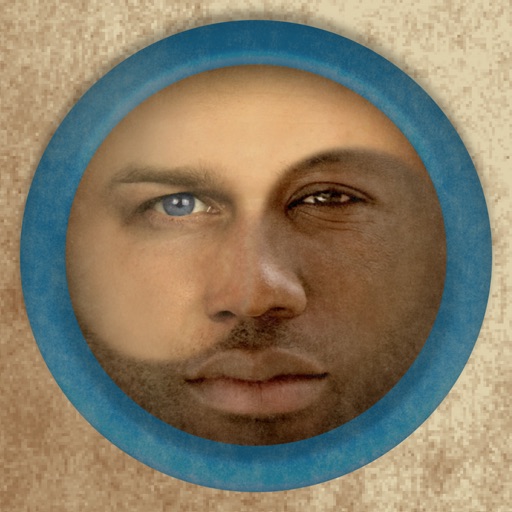
Merge faces to create humorous mixed images with friends, family, or celebrities. Adjust facial features and proportions. Share results via email, MMS, Facebook, or Twitter. Use preloaded example pictures or upload photos.
Create portraits that reflect personal style with customizable and synthesis tools. Adjust images using blur, resize, and text overlay features. Share edited photos directly to Twitter.
Edit videos to obscure sensitive details like faces, eyes, and license plates. Apply pixelation or with a single tap. Work locally without cloud storage. Save and share edited videos directly.
Edit photos by selecting from Camera Roll or taking new shots. Apply real-time effects to create prism-like glass pieces. Adjust frames, shapes, and patterns. Rotate, resize, and drag elements for custom designs. Export and share edited images.
Edit videos and photos with background addition for portrait or landscape formats. Apply blur effects without cropping. Share edited content via a new sharing screen. Access media across devices from a centralized library.
Edit images with text, annotations, and shapes. Adjust backgrounds using solid colors, gradients, or blur. Resize, crop, and add borders or shadows. Highlight details or blur sensitive areas. Apply styling effects and export edited images.
Edit photos with AI muscle enhancement, reshaping, and face retouching. Add beards and hairstyles. Remove backgrounds. Reconfigure faces with AI reface. Adjust muscles, arms, and chest. Export edited images.
Apply effects to photos or videos. Choose from options like soft focus, pixelate, motion , and prism. Adjust intensity and apply effects with touch controls. Export modified content directly.
Edit photos and videos with customizable , presets, and effects. Add grain, dust, blur, and dark effects. Adjust colors and create atmospheric effects. Share edited content directly.
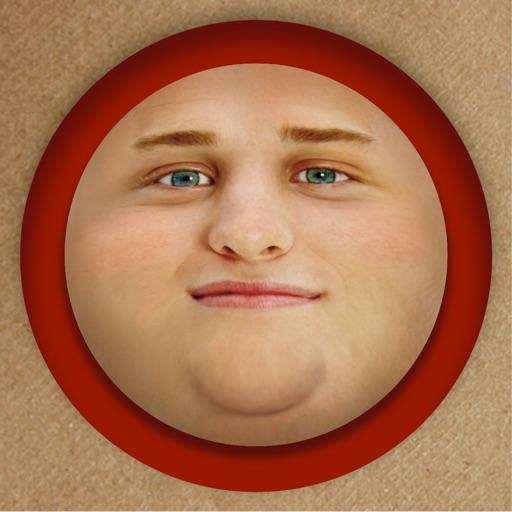
Edit photos by adding exaggerated weight gain effects to faces. Share modified images via email, iMessage, Instagram, Snapchat, Facebook, Twitter, and WhatsApp. Toggle between original and altered views using device shake.
Edit photos by applying local filters to specific image areas or text. Add multiple graphics and text elements with different filters. Export edited images in various formats and share directly.