Blur faces automatically using facial recognition. Add blur, solid color, or emoji to hide faces. Resize and reshape blur regions. Adjust color and effects. Share edited images to photo library and other apps.
by Digitalt Hjarta AB★ 4.468 ratingsPhoto & Video$1.99Data updated 2026-09-11
Create and share digital art customizable brushes, unlimited colors, and layer support. Zoom, pan, and adjust brush parameters. Rotate, mirror, and undo steps. Participate in challenges like tracing or completing others' drawings.
Enhance photos with AI-powered cleaning, color correction, and clarity adjustments. Remove blur, restore details, and convert black-and-white images. Export edited photos in high resolution and share directly.
Arthur Eduardo Skaetta Alvarez Desenvolvimento de Software LTDA.
Blur backgrounds, enhance portraits
Edit photos with blur and AI-powered segmentation to isolate subjects. Apply multiple blur effects and adjust settings for precise results. Export edited images in various formats and share directly.
Automatically blurs faces, usernames, profile pictures, and sensitive text in screenshots. Users can share content across apps like iMessage, Instagram, WhatsApp, and Facebook while protecting privacy.
Apply bokeh, disc, Gaussian, morphology gradient, motion, or zoom blur effects to images. Adjust colors and enhance or remove them for improved visuals. Export edited images in various formats.
Create collages by combining photos and videos. Generate AI-powered videos from text or images. Edit clips with trimming, filters, and transitions. Export videos for Instagram, TikTok, YouTube, Facebook, and Pinterest.
Blur faces in photos and videos using an AI-powered tool. Select areas to blur and apply precise face tracking for accurate results. Choose from multiple blur styles and overlays to customize the effect. Share edited content directly from the .
Edit photos to remove blur and sharpen details. Adjust brightness, contrast, and color balance. Enhance overall image quality and export edited photos.
Edit photos by adding random sparkling shapes. Choose from seven patterns and adjust size, angle, brightness, and spacing. Apply effects directly to images for a sparkling appearance.
Edit photos with body transformation tools, one-touch filters, and cropping. Apply mosaic and blur effects to background. Add vignette. Adjust and share edited images directly.
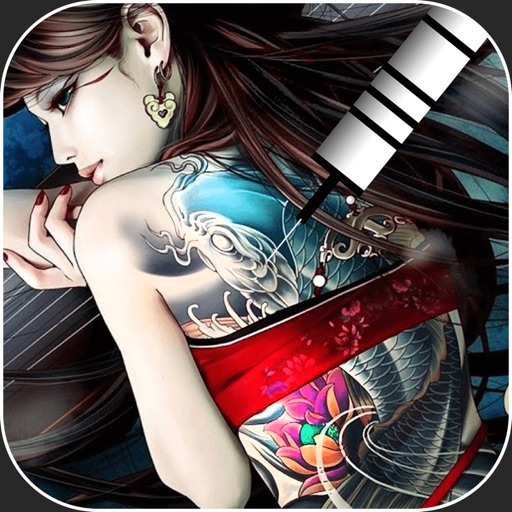
Create virtual tattoos on photos by selecting from 100+ black and white or 60+ color totems. Add text or captions and adjust position, rotation, size, font, or color. Save edited images to the photo library or share via social media.
Frame photos with customizable for social media. Add text, stickers, and inspirational fonts. Share edited photos directly. Access themed frame packs for different occasions. Edit images with text and creative color options.
Sensitive data in videos by applying advanced blurring techniques to faces, text, or personal information. Edit projects with auto-saving, delete or create new projects, and manage edits with one-click actions. Export edited videos directly.
Capture photos and videos with customizable PIP frames. Apply foreground filters and background effects like blur, zoom, and comics. Add motion effects such as fire and snow. Create PIP videos or GIFs and share directly.
Create logos using 3500+ customizable templates and 100+ fonts. Add graphics and edit designs with powerful tools. Save and export logos for websites, social media, business cards, and email signatures.
Edit photos with AI-powered unblurring, colorization, and face refinement. Restore damaged images and enhance group shots. Export in high definition and share directly.