Write and execute Ruby scripts with auto-indent, syntax highlighting, and code templates. Run selected text in the built-in browser or text editor. Support file operations for text, PDF, CHM, and MP3. Execute code via keyboard and use gets function.
The app displays SVG and SVGZ files, including animated ones. It supports exporting to PNG, TIFF, and PDF formats with an alpha channel, and can be automated with AppleScript or Automator.
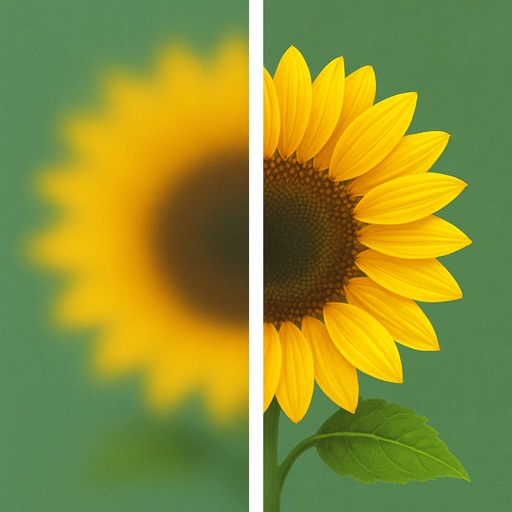
Uses AI to enhance blurry photos. Users can restore out-of-focus images with machine learning algorithms. One-tap processing allows quick restoration. Adjust brightness, contrast, and sharpness manually. Export enhanced photos in various formats.
Edit and run PHP scripts directly within the . Use auto-complete and auto-indent features. Customize code color and font size. Execute code by selecting text in the built-in browser or text editor. Support keyboard input and cursor movement.
View and print .co, .xe, .ar, .li files from Ashlar-Vellum products. Export to supported formats. Open files from AutoCAD, SolidWorks, Solid Edge, Pro/E, and CATIA. Display exact document content without translation.
Present code with syntax highlighting in over 180 languages and 100 themes. Export code snippets as PNG, JPEG, HTML, or RTF. Customize line numbers, window buttons, and code width. Embed code directly in websites or blogs without JavaScript.
Backgrounds and unwanted objects from photos using AI-powered tools. Edit and arrange images, then save as PNG, JPG, or WebP. Share directly or export in high-resolution formats. No watermarks in free version.