Change iPhone wallpaper with high-quality HD and 4K images. Access sets optimized for iOS 17. Browse categories like minimal, nature, and neon. Preview before applying. Receive daily updates for new designs. Customize Home and themes.
Customize phone interface with HD wallpapers and lock screen templates. Add creative faces to the notch area. Choose from various styles to personalize device appearance.
Customize device appearance with , posters, and widgets. Choose from a wide selection of backgrounds. Apply widgets for quick access to apps. Adjust and organize screens. Share custom designs with others.
Download wallpapers and change desktop background automatically
Change desktop wallpapers automatically from curated sources like Unsplash and Desktoptopia. Set preferences to control frequency and style. View and select wallpapers directly from the menubar icon.
Customize phone with animations, , and wallpapers. Choose from 300+ preloaded options or add personal files. Use Shortcuts to set up custom experiences. Share or prank friends with unique styles.
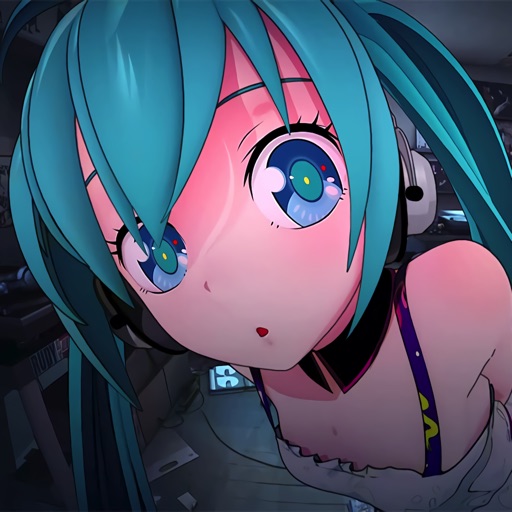
Offers live featuring and manga characters. Users can set these as lock screen and wallpaper. Characters animate on the screen. Tap to interact with animations. Customizable wallpaper settings available.
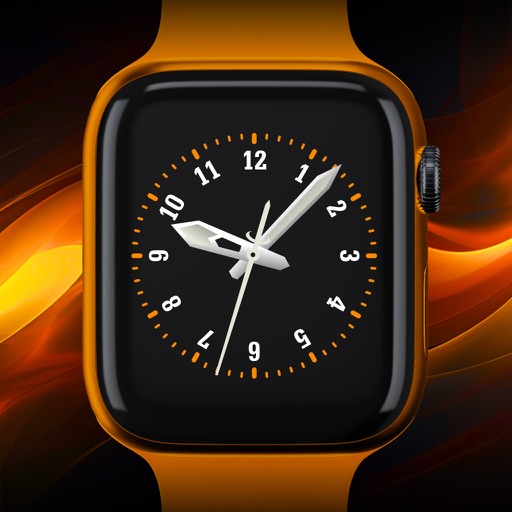
Create custom wallpapers by adding favorite images, randomizing colors, and generating unique designs. Choose from exclusive HD wallpapers tailored to iPhone, iPad, and Apple Watch screens.
Capture photos and videos without visible interface elements. Take high-quality images or record videos with a single tap. Select from premium background options for discreet documentation or security use.