Create social media graphics using pre-designed templates. Choose from layouts for collages, banners, invitations, business graphics, posters, quotes, and profile photos. Customize designs with text, images, and color adjustments.
Edit photos adjustable temperature, tint, and exposure settings. Use texture blending tools and apply effects. Add stickers opacity and shadow control, and include text 3D effects and multiple fonts. Crop, rotate, and straighten images.
Edit photos with filters, select and apply Independence Day , add text with customizable font style and size. Share edited photos via social links. Set color options and arrange images in sets.
Edit photos with brightness, contrast, and color adjustment tools. Apply over 1000 effects and filters. Add text, stickers, and animations. Share photos directly to social media or email. Export in various formats.
Create and send personalized greeting with over 100 exclusive designs. Choose from frequently updated free collections or premium options. Add text, images, and animations to customize . Share directly via text, email, or social media.
The app allows users to decorate pictures with text typed along a drawn line. Users can select from nearly 300 fonts, adjust text properties, and apply filters or change backdrops.
Create collages by combining multiple photos into a single framed image with captions. Add 2D and 3D effects. Share finished collages on social media platforms like Facebook, Twitter, and Flickr.
Edit photos with vintage effects, artistic filters, and professional adjustment tools. Crop, resize, and enhance images. Add text and stickers. Export in multiple formats and share directly. No registration, ads, or watermarks.
Create realistic instant photo effects with customizable backgrounds, fonts, and filters. Add text, stickers, and light leak effects. Design greeting cards, posters, and social media content. Enhance photos with adjustable filters and effects.
Add to photos with customizable fonts, colors, and styles. Adjust size and position for precise placement. Apply effects and export edited images directly.
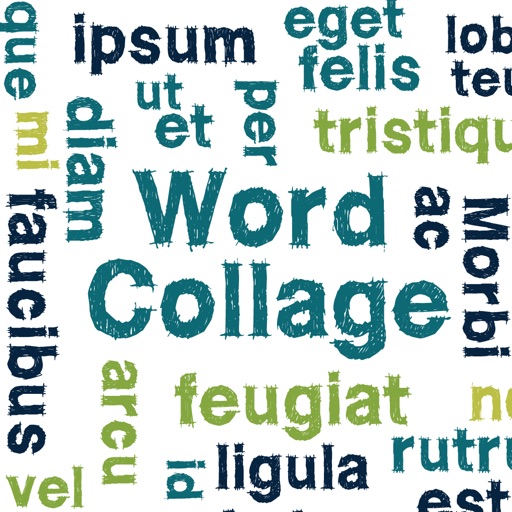
Create clouds by selecting color themes, fonts, and layouts. Choose from six layouts including horizontal, vertical, and half and half. Input text to generate clouds where common words appear larger.