The app allows users to place their photos on various mockups like billboards and magazine covers. Users can select a template, add a photo, and adjust its size, zoom, and rotation.
Create creative photos using unique and layouts. Apply effects like blurring and rain. Share finished edits via social media. Add photos to and adjust layouts.
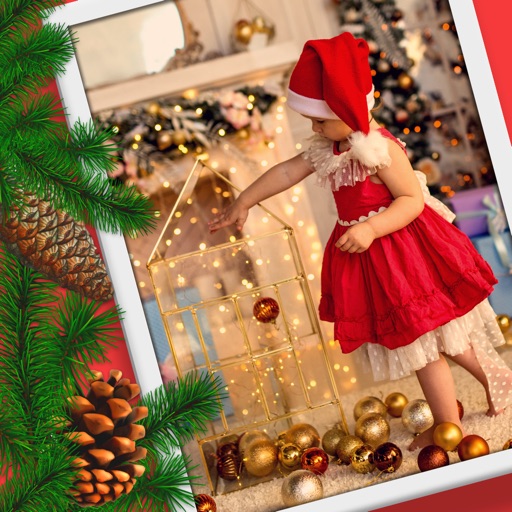
Create collages and cards for occasions like birthdays and holidays. Choose from customizable layouts, backgrounds, and stickers. Apply filters. Add photos to designs and export for sharing. Purchase additional layouts and content packs.
Edit photos with effect and features. backgrounds and apply black-and-white conversion. Select areas for contrast. Zoom with two-finger pinching. Adjust brush size, opacity, and offset. Export edited images.
Blur image backgrounds to create effects. Select photos from gallery or capture new images. Apply multiple blurring tools to adjust blur intensity. Export edited photos to device storage.
The app enables event photographers and photo booth companies to share experiences. Guests can share event photos to Instagram, Facebook, Twitter, Email, and text.
The app allows users to crop photos into a square shape for posting on Instagram. It supports both landscape and portrait orientations and offers various background options and effects.
The app allows users to create watermarks, greeting cards, and graphics. It offers an intuitive interface, image filters, text manipulation, and 3D functions.
Create custom and New Year greeting cards with text, stickers, and . Add personal messages and share edited photos. Design personalized postcards using user photos and available templates.
Edit photos with filters, effects, and backgrounds. Add stickers and choose from various fonts. Crop, resize, and rotate images. Create square photos and adjust ratios. Share edited photos directly.