
Apps Like FX Effects Studio for iPhone and iPad
FX Effects Studio screenshots
Ranked alternatives
Showing 221–240 of 1,000 ranked alternatives.





Photo Flip & Rotate
文睿 李
Simple image editing for everyday use.
The app offers common image editing features like flipping, rotation, and filters. Users can crop, scale, and save edited images to their photo album.

Triassic Art Photo Booth - Insert A World of Dinosaur Special Effects in Your Images
Oliver Saylor
Edit photos with dinosaurs and share
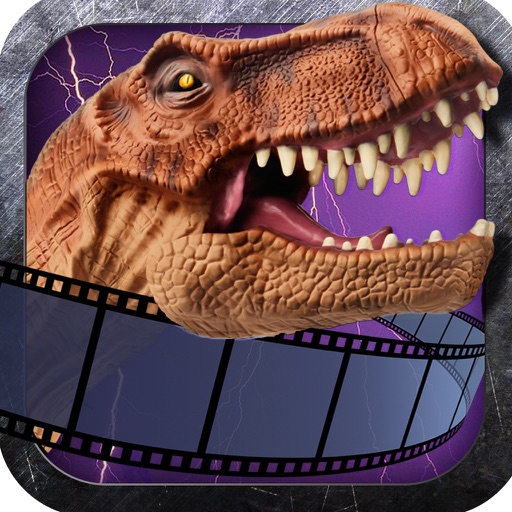
Add photorealistic dinosaurs and to photos. Apply built-in editing tools to enhance creations. Share Art with friends. Include brutal sticker packs for intense visuals.

PERFECTO: Photo & Video editor
Alina Chernetsova
Edit videos with custom filters and effects
Edit videos with speed control and custom filters. Create clips from multiple videos. Adjust image and sound settings. Crop photos intelligently. Apply customizable effects and export final edits.

CameraBag 2
Nevercenter Ltd. Co.
Photo and video editing for everyone.
The app offers photo and video editing with a large number of styles and adjustments. It provides an elegant interface for applying styles and making adjustments.

Soft Box Color
John Rouda
Portable lighting studio for iPad.
The app transforms an iPad into a portable lighting studio. Users can select color filters to adjust the mood and enhance photos.

PICSPLAY Classic
JellyBus Inc.
Edit photos with filters and effects
Edit photos with color and film filters, vintage textures, and light leak effects. Adjust brightness, contrast, and saturation. Add vignettes and analog film sensations. Export edited images in various formats.



Lovely Film Camera
SUNG CHEOL KIM
Take photos with filters and effects
Take photos with multiple filters, light leaks, and effects. Use a timer, volume keys, and composition lines. Crop images in various ratios. Edit photos with filters and apply them to images taken with other apps.

SmileSelfie - Automatic Selfie
MTPHoldings LLC
Capture smiles, take multiple photos automatically
Capture photos automatically when smiling using advanced face and smile detection. Take up to 3 selfies with 1-second intervals. View, compare, and save photos. Apply effects to each image. Save to Camera Roll.
How we rank alternatives
Apps are ranked by functional similarity, category fit, rating confidence, and popularity.